Free CRM for nonprofits. Built into your fundraising.

Build your donor list automatically from every donation, ticket, and registration, with each gift linked to the donor record.

See every donor’s full history in one place, from donations and tickets to event registrations.

Filter donors by date, amount, campaign, or custom fields. Save any filter as a list that stays up to date as new donors give.
unlimited contacts · free forever




From first gift to next appeal in three steps

Your donor list builds itself.

See every donor in one place.
Keep 100% of it, for free.
Everything you need to manage your donors, for free
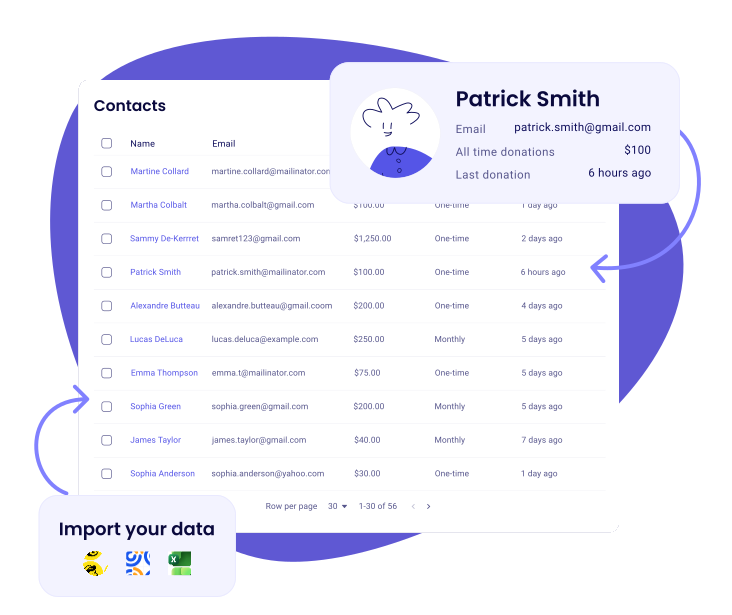
Your donor database builds itself
- Every donation, ticket, and registration becomes a contact, with the gift on their record
- Donations, tickets, memberships, shop orders and peer-to-peer pages all land on the same record
- Import from CSV, Excel, or Mailchimp. Zeffy checks your file first and tells you what to fix
- Lifetime giving, gift count, and last gift, all on one screen

Every donor's story in one timeline
- See every donation, email, ticket, and form submission per contact
- Add notes and set reminders on any contact, with a daily email of the follow-ups due that day
- Pull, resend, or download tax receipts in two clicks
- Two email addresses, one person: gifts from either land on the same record
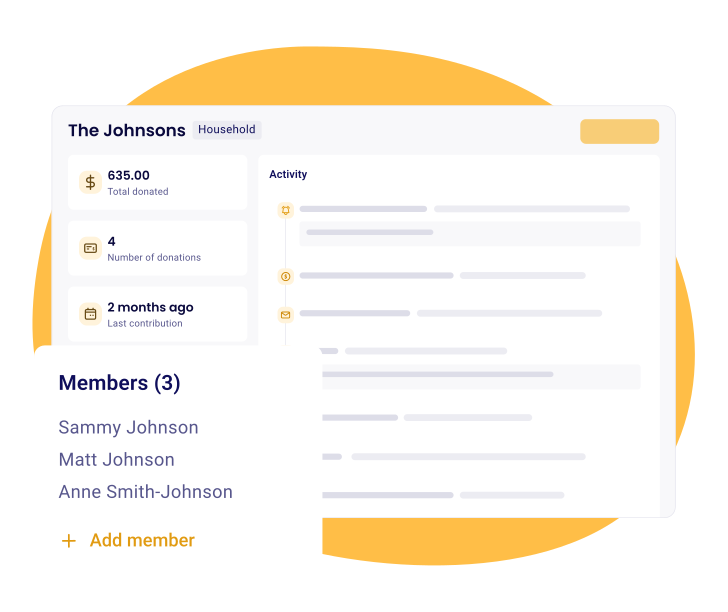
Organize by household and company
- Group related contacts into households and companies
- See their giving rolled up into one view
- Spot your true top supporters, not just individuals
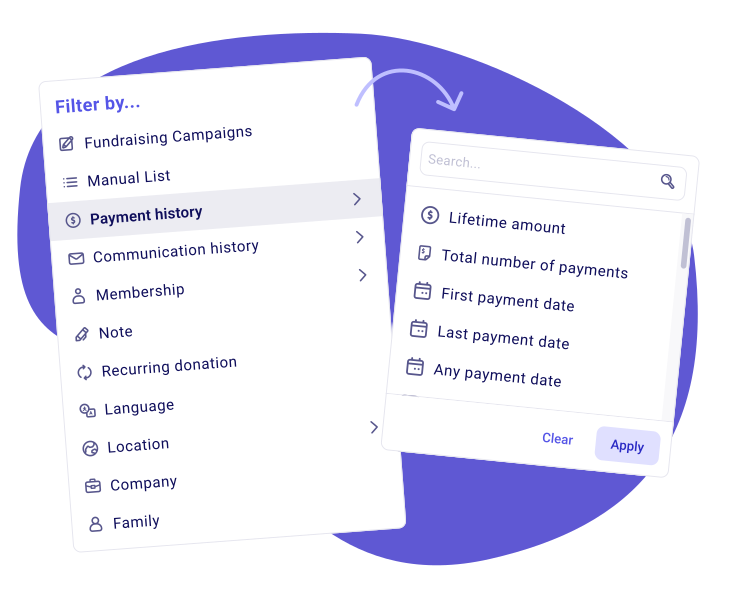
Find the right donors in seconds
- Filter by giving history, campaign, amount, or any custom property
- Turn any question you ask on a form into a property you can segment on
- Save any filter as an auto-updating list, like lapsed donors or your top 10%
- Update a property on every contact in a filter at once, and export it
- Create your own properties, like a birthday or how someone prefers to be contacted, as text, a date, a yes or no, or a list
- Email a saved list from the same screen, no exporting and no reuploading
See your donor health at a glance
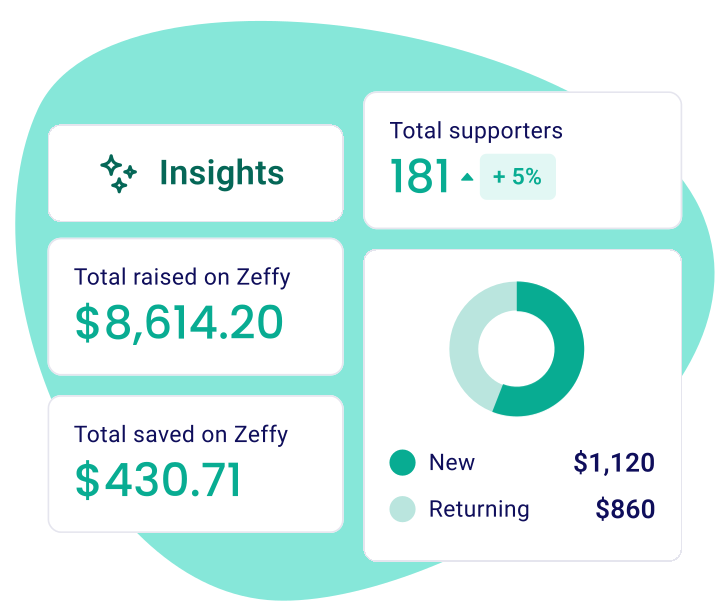
- Track recurring revenue, new monthly donors, and predicted yearly support
- Spot recurring donors who recently lapsed and reach out
- Updates on its own in your dashboard, no spreadsheets required

Cash, check, in-kind. All tracked.
- Log offline donations against any campaign
- Tax receipts auto-generated and attributed to the right fund
- See offline and online giving in one report
Your one-stop shop for managing and staying in touch with your donors.
Frequently asked questions
Is Zeffy actually a CRM, and does it work for a small nonprofit or a large one?
Yes, and it's the same CRM either way. Every supporter gets a profile that fills itself in: their giving history, the events they've attended, their membership status, the emails you've sent them and whether they opened them, plus any notes and lists you add. Nothing to configure first and no database background needed, which matters when the person looking after donor data is also the person running the campaign.
For a larger organization the argument isn't simplicity, it's that nothing changes as you grow, and the tools a bigger team needs are already in there. Group families into households and see their combined giving, roll everyone who gives from the same employer into one company profile, track pledges, log offline checks, add your colleagues with their own permissions. An organization with 40,000 contacts pays what an organization with 300 pays.
Email works the same way. You can reach 30,000 people a day from your own domain, or 5,000 without one, and confirmation and thank-you emails don't count against that. Mailchimp and Constant Contact both charge by the size of your contact list, so the same audience costs you more every year it grows.
Is Zeffy's donor CRM really free?
Free means the whole product, not a starter tier. No subscription, no per-contact pricing, no transaction fees and no credit card fees. Nothing is held back behind an upgrade either, so the CRM you're using in year three is the one you started with on day one. The full breakdown is on our pricing page.
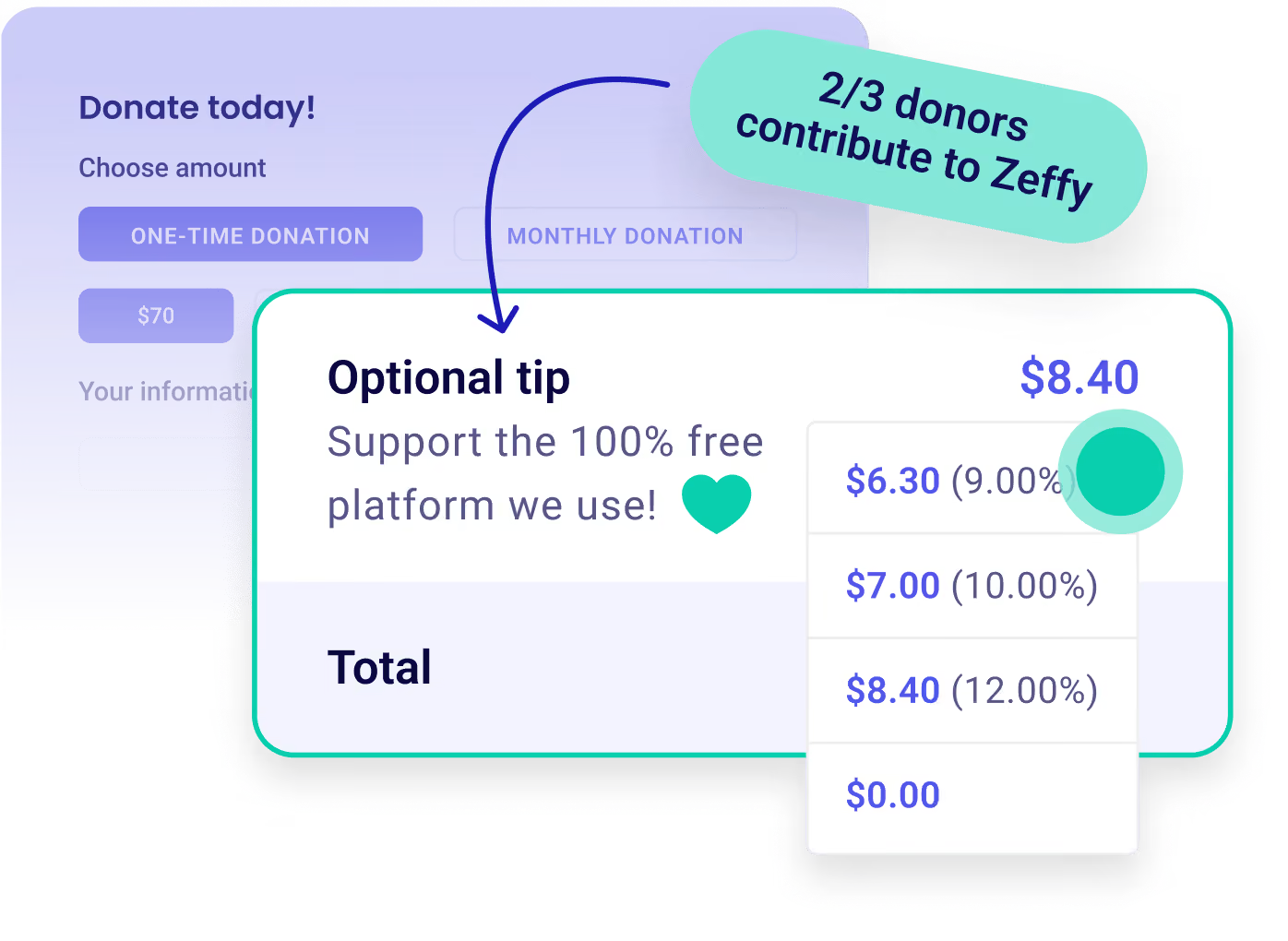
Zeffy is free to your organization with no conditions attached. Separately, anyone paying through a Zeffy checkout is offered the option to add a voluntary contribution, and they're free to skip it. The one thing you can ever pay Zeffy for is postage: if you use Donor Mail to send printed letters, those are $1 each.
How is Zeffy different from Bloomerang or DonorPerfect?
Start with the bill. Bloomerang CRM starts at $125 a month billed annually, and its fundraising tools are another $40 a month that has to be bundled with the CRM; volunteer management is a separate product again. Bloomerang describes its own model as "constituent-based pricing", so the subscription follows the size of your database. DonorPerfect starts at $99 a month across three tiers, with Plus and Pro quoted on request. Zeffy's CRM is $0 at any list size, with no transaction fees on top.
What you give up is less than the price gap suggests. You get contact profiles that populate themselves from every campaign, stacked filters saved as lists, households and companies with combined giving, duplicate detection with side-by-side merging, pledge tracking, offline gift logging and email from the same screen as your data. What you don't get is a field-mapping project before you can use any of it.
"The learning curve was pretty insane for a small nonprofit with no experience in databases."
A development director, on the CRM she moved away from
Current detail on Zeffy vs Bloomerang and Zeffy vs DonorPerfect.
Does Zeffy connect to tools like Mailchimp or QuickBooks?
Yes, Zeffy connects to QuickBooks natively and for free, and your payouts sync by campaign and fund. Anything else connects through Zapier, along with around a thousand other tools. There's also a free Zeffy public API with webhooks that reads your data and writes contacts back, switched on from your dashboard.
Can I import my existing contacts and donation history?
Yes, you can import both your contacts and your donation history into Zeffy, using two templates: one for contacts and one for payment history. If your list lives in Mailchimp you can connect the account and pull your contacts straight across instead. Before anything goes in, Zeffy reads your file, explains in plain words what needs fixing, and matches your columns for you. Rows it can't use are skipped and listed, so you know exactly what didn't come across. Contacts can bring households, companies and a second email address with them. Each file holds up to 15,000 records, so a large database comes over in a few batches. A large database comes over in a few batches.
100,000 nonprofits fundraise with Zeffy
Zeffy has been supporting nonprofits for the last 7 years. Providing 100% free and user friendly fundraising tools.