Launch in minutes. Just add products and branding. Share with supporters and top donors. Start getting sales immediately.

Increase sales. Run campaigns. Offer promos to past and frequent purchasers. Track popular items and share.

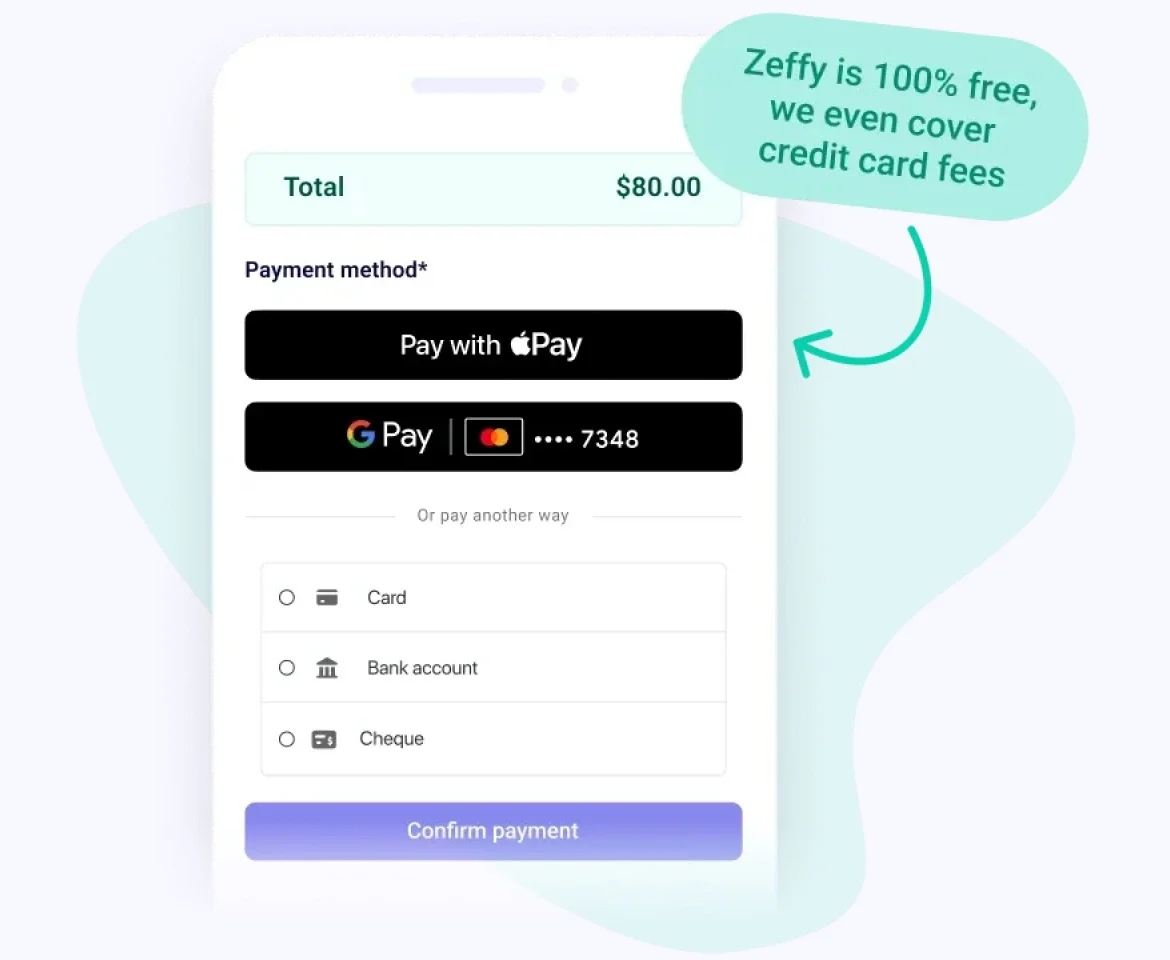
Accept all payment types. Collect payment via cards, Apple Pay, Google Pay, ACH, etc. No platform, transaction, or card fees.
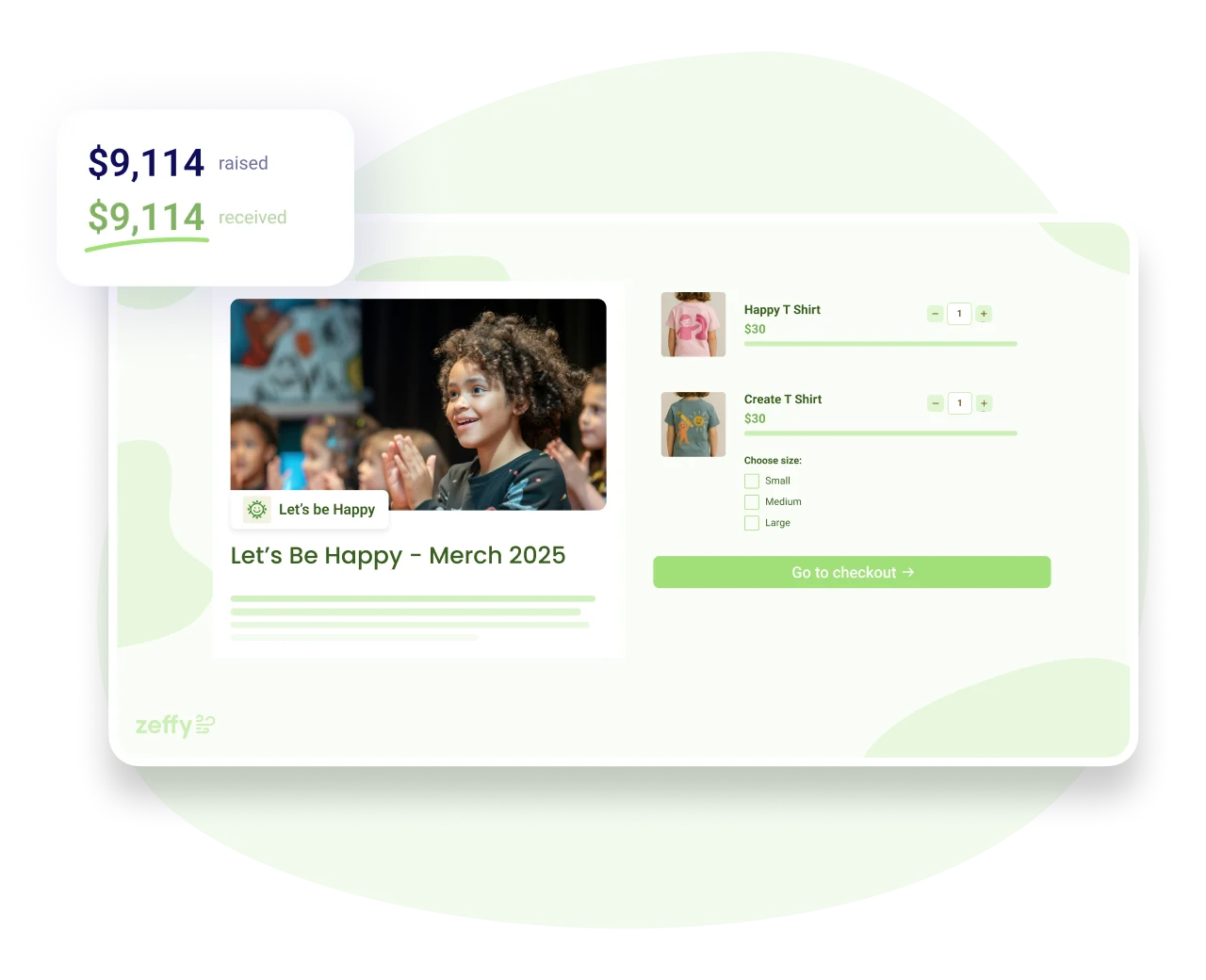



















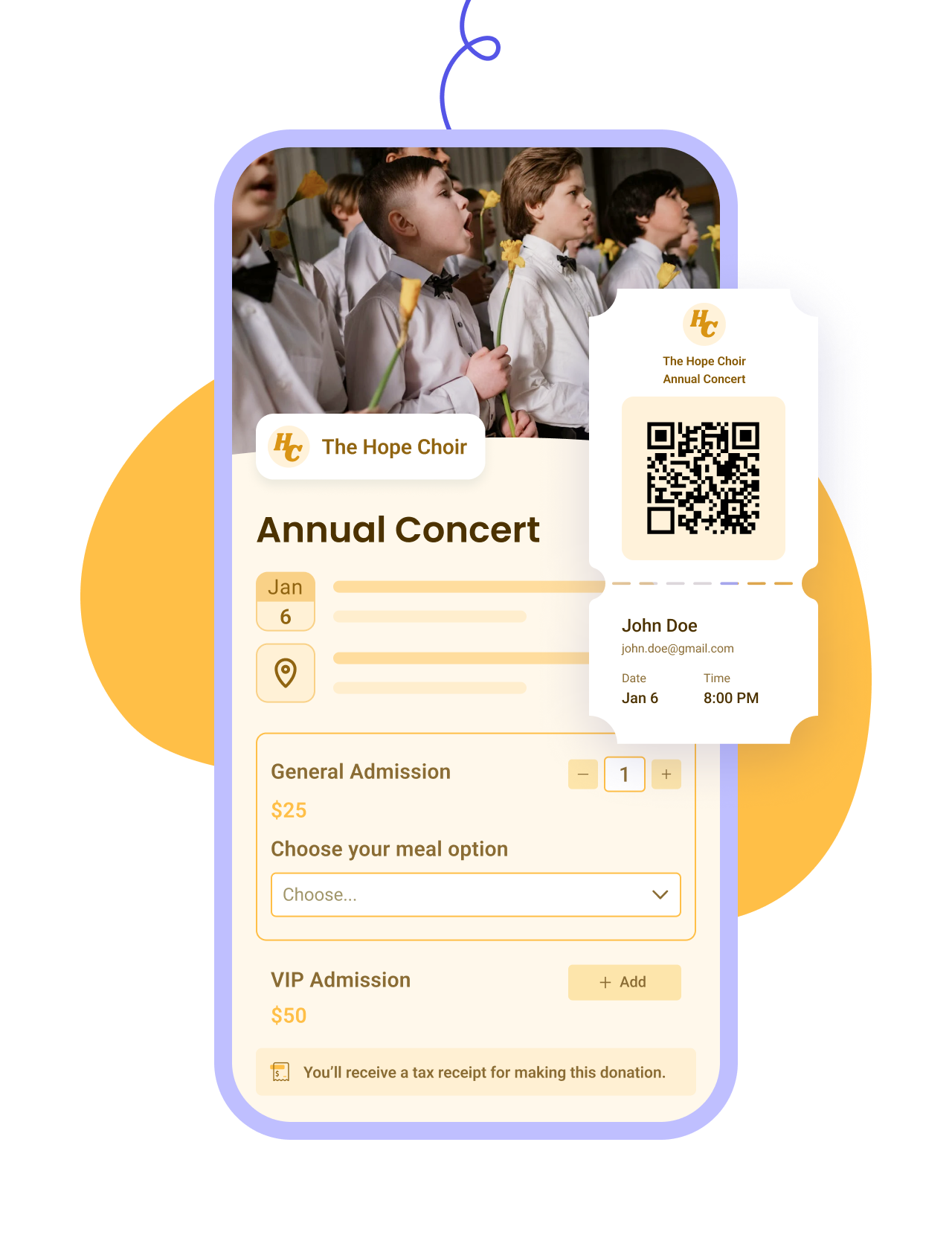
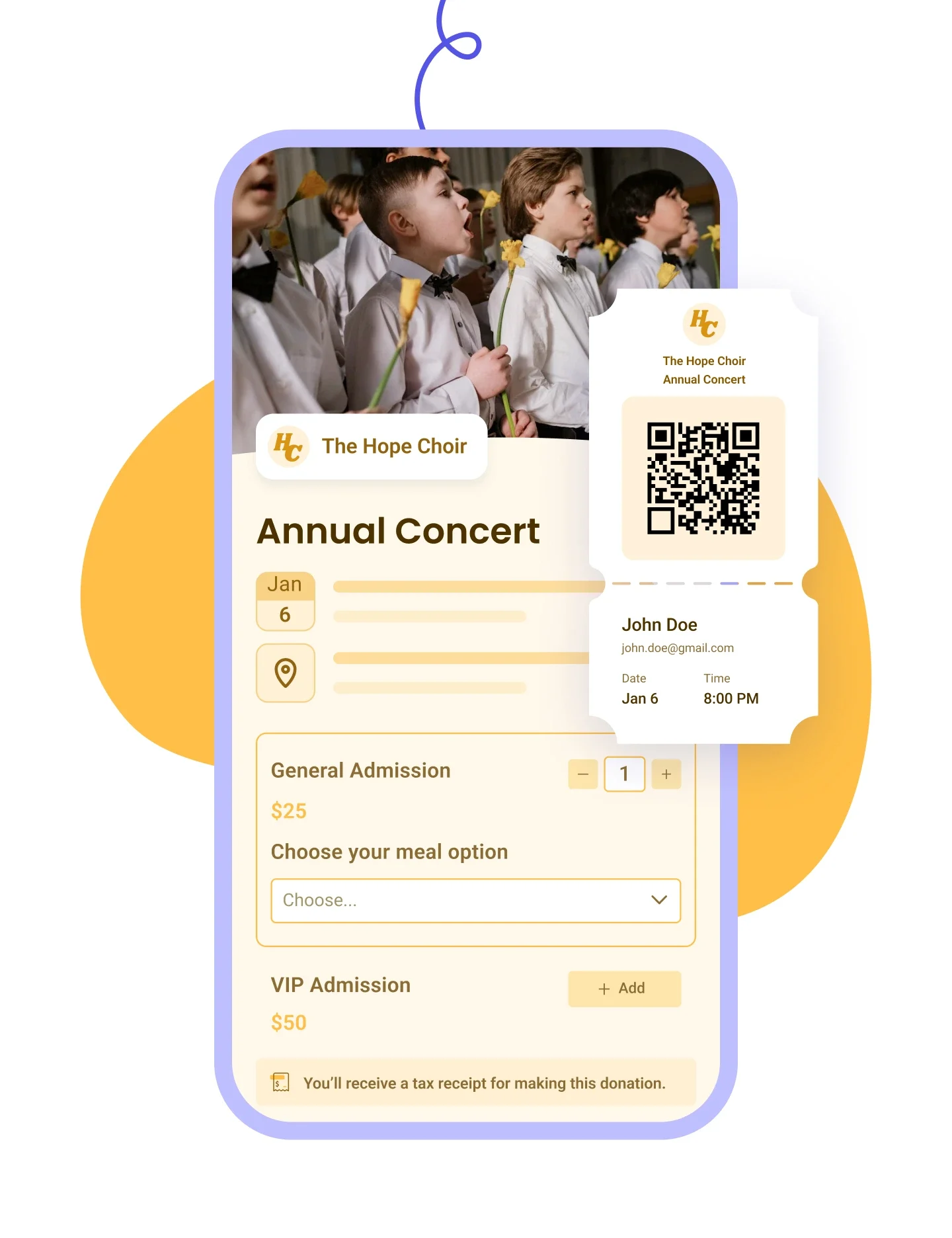


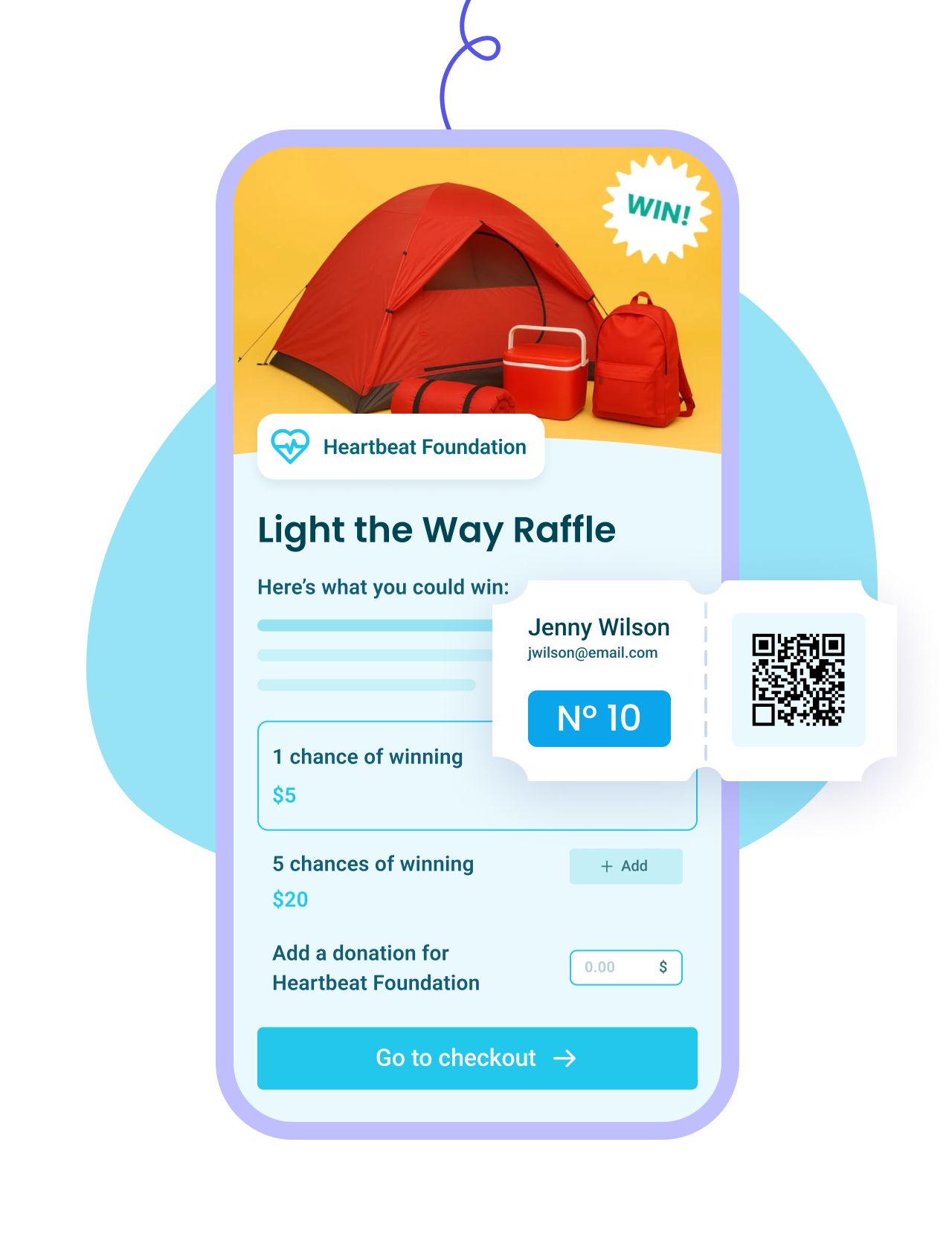
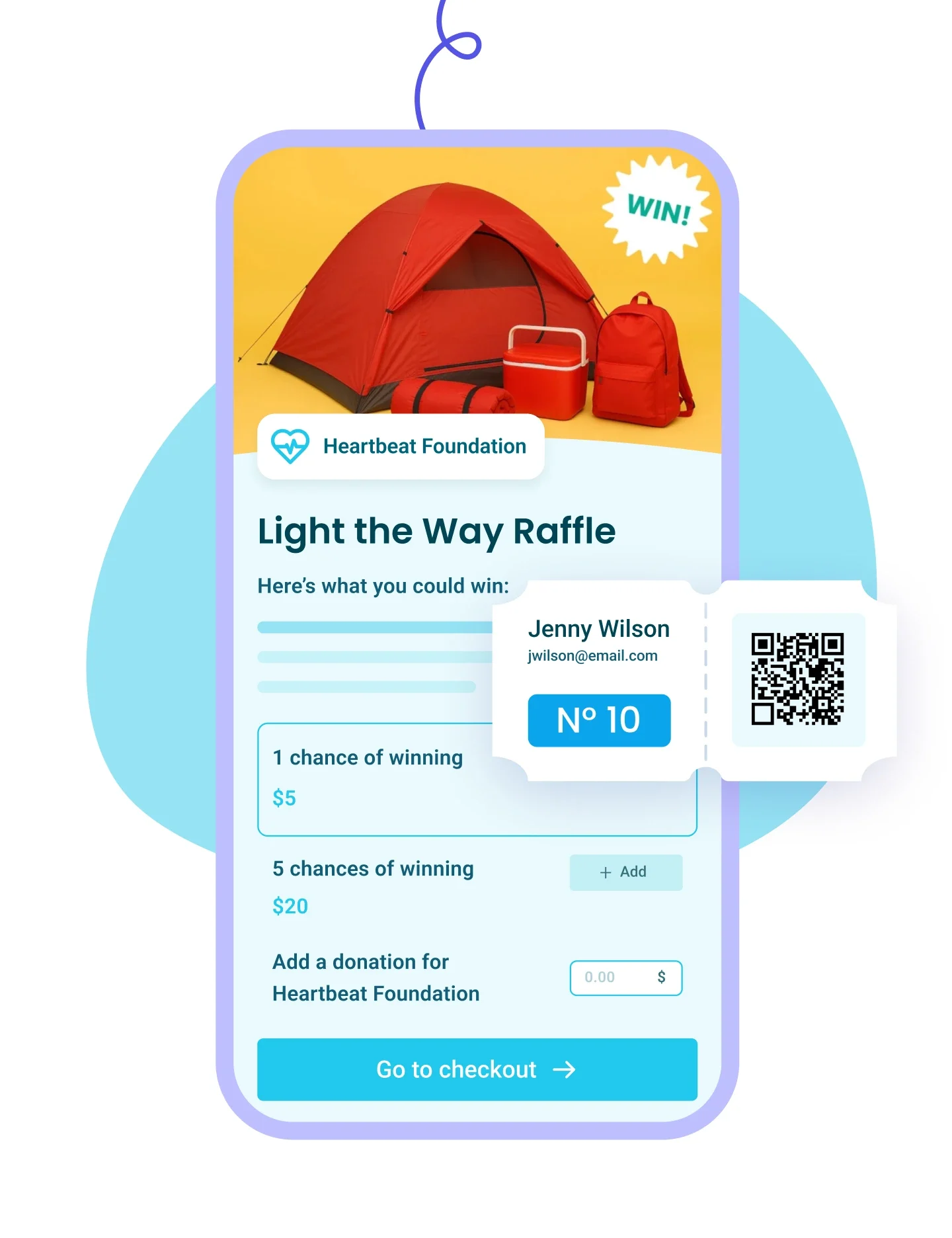


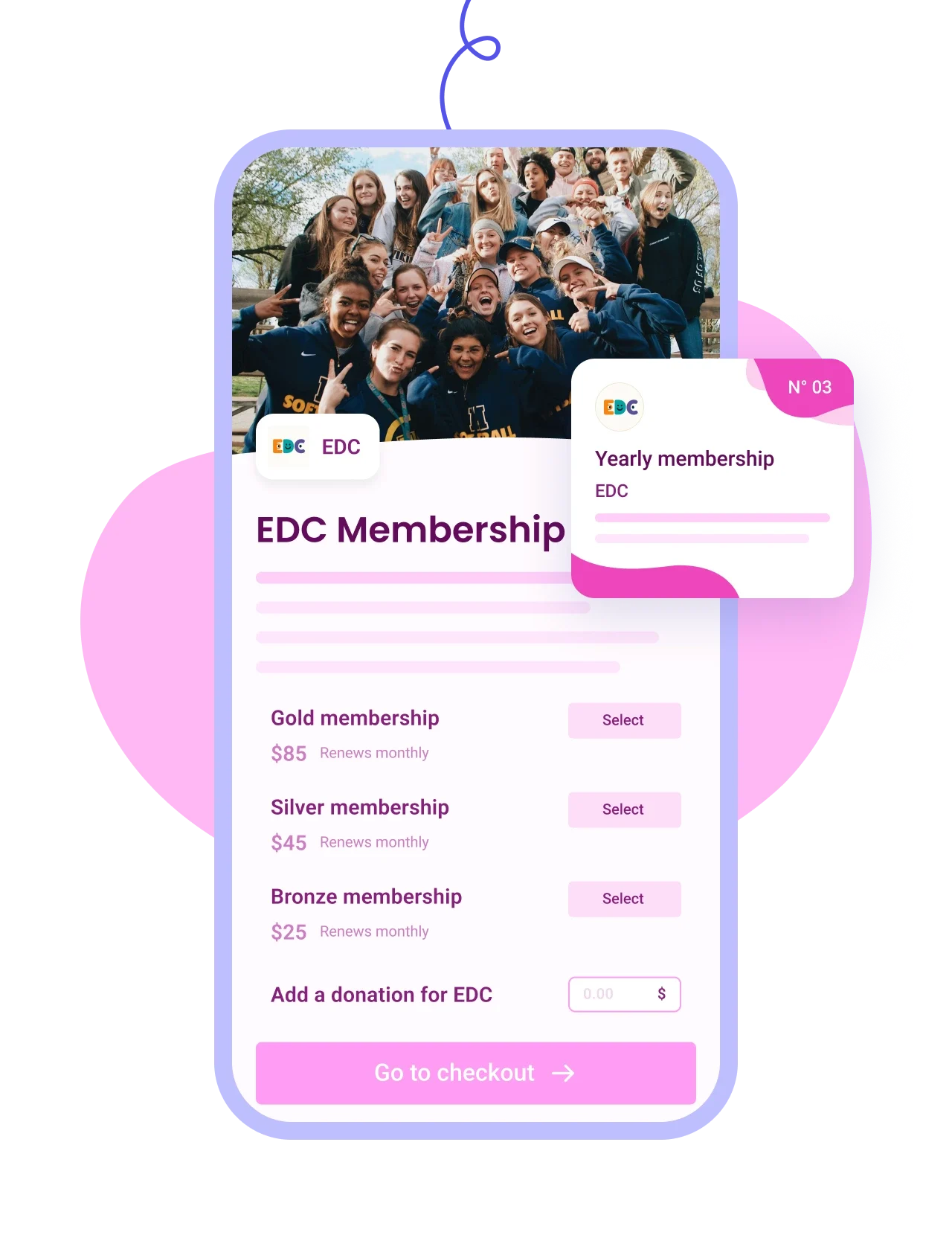






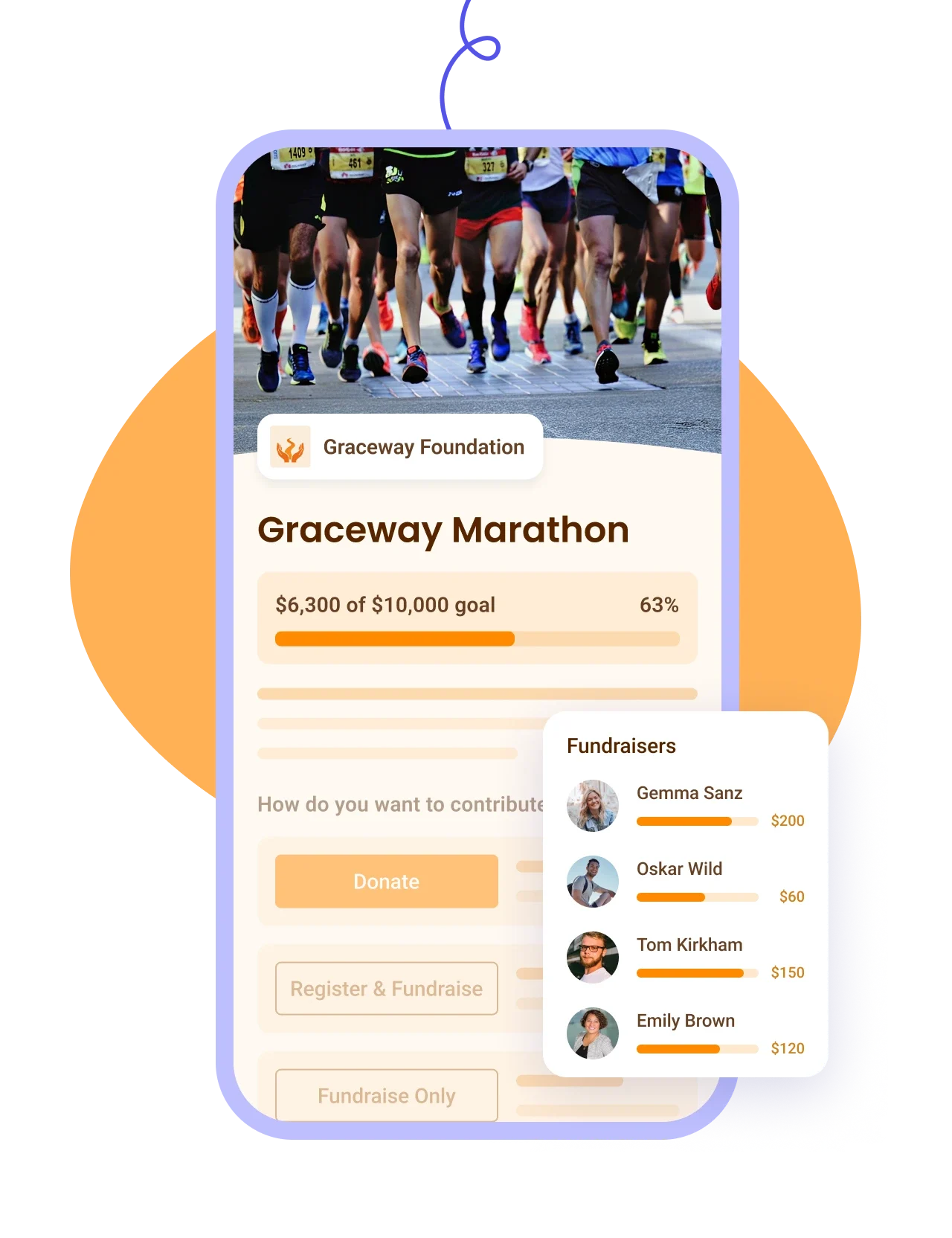


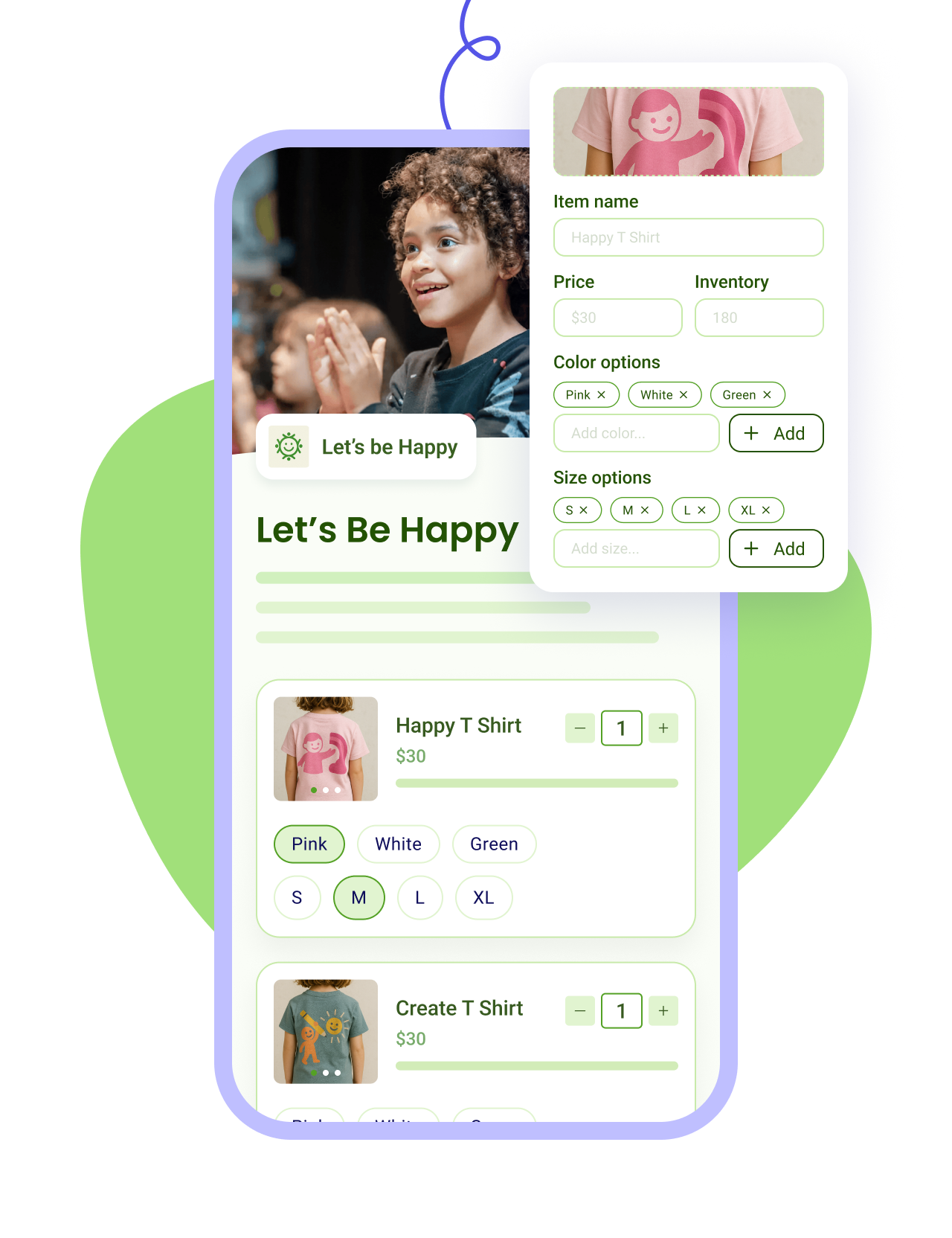
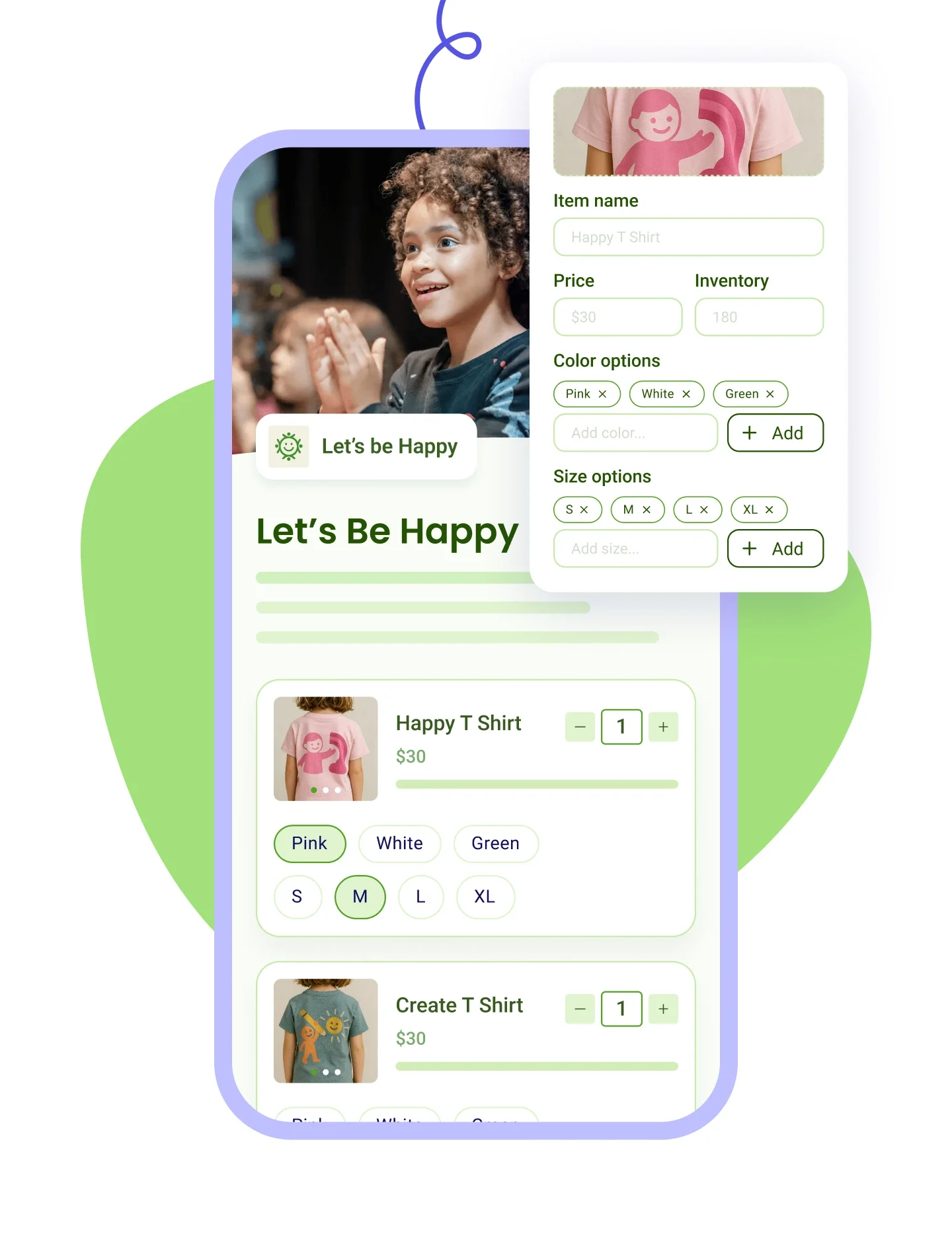


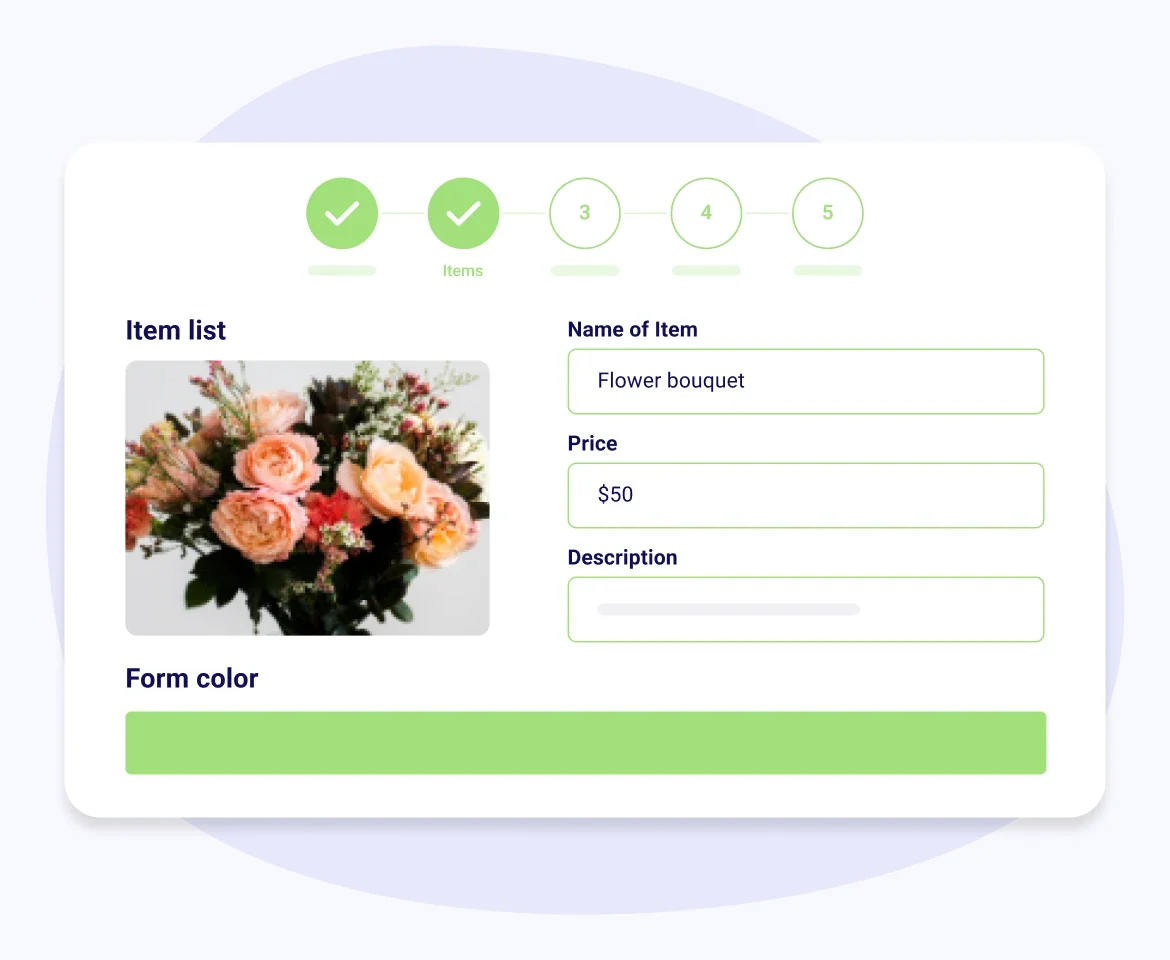


Ecommerce and online store mean the same thing here. You list items with a price, a description and an image, buyers pick a size or a color, pay by card, and get a receipt. What's different is where the sale goes. A retail platform puts your buyer in a separate system with its own login and its own reporting. In Zeffy, that buyer lands in the same place as the person who gave to your spring appeal and the family who bought gala tickets, because selling merch is usually one of several things you're running rather than a shop you're opening. So when you email supporters in November, whoever bought a t-shirt in March is already on the list.
You can have a store live the same afternoon. Create a campaign, choose the online shop form type, then add each item with a title, price, description and image. Set the quantity you have so stock counts itself down, add sizes or colors if you need them, and share the link or drop it on your website. Every sale shows up in your dashboard as it happens.
"Zeffy gave me a very easy way to set up an online store to fundraise through selling merchandise."
Rylee R., United Ways of Alabama (G2)
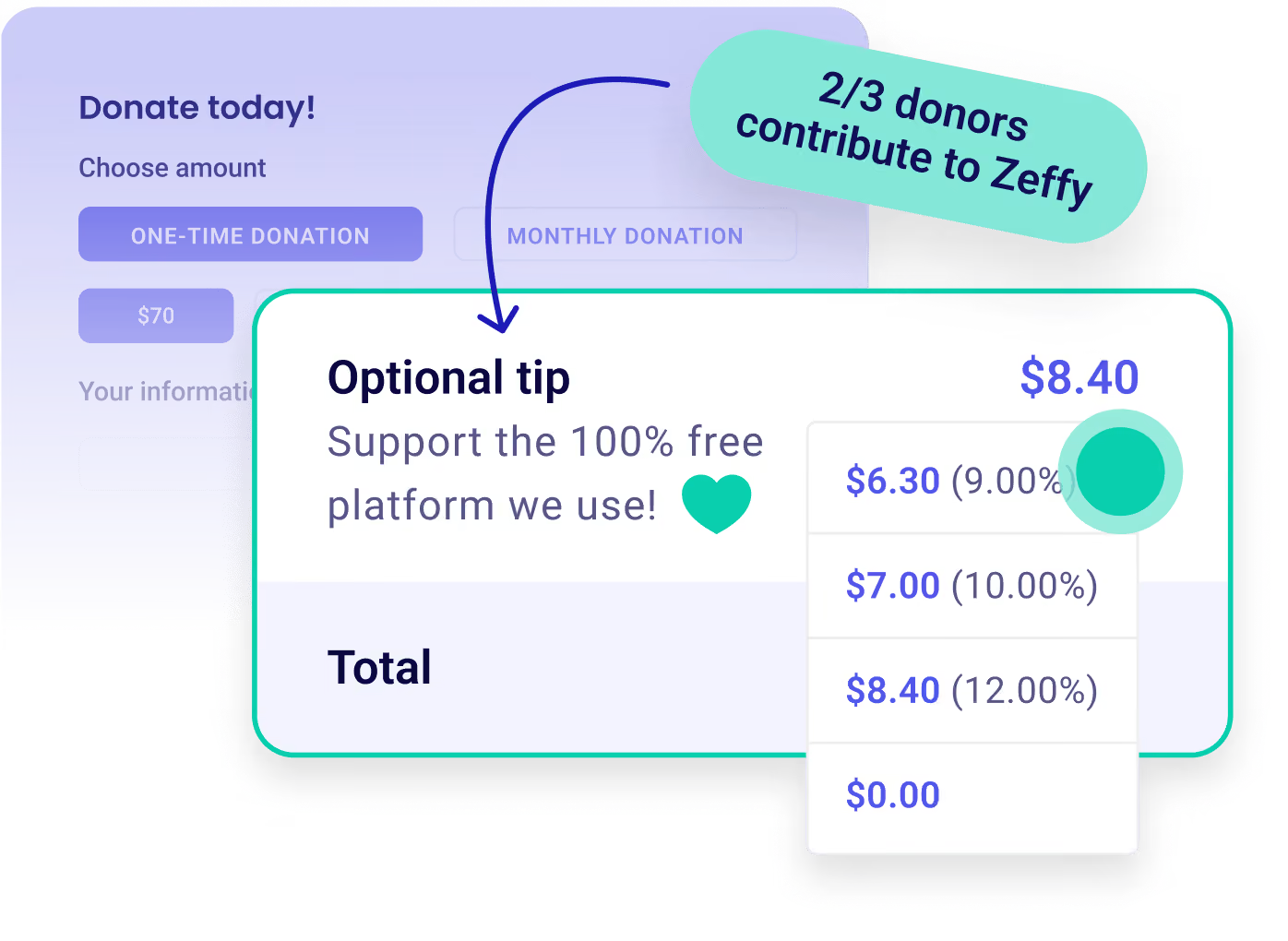
No platform fee, no transaction fee, no credit card fee. Ever. A $25 shirt puts $25 in your account, which is not how store builders usually work: most charge a monthly subscription whether you sell anything or not, then take a percentage of each sale on top. This also isn't a free tier with the useful parts locked away, so your store won't hit a paywall the month it starts working. Zeffy is free to your organization with no conditions attached. Separately, anyone paying through a Zeffy checkout is offered the option to add a voluntary contribution, and they're free to skip it.
Both, and they're set up separately. Add a variant type of Size or Color to any item, or both on the same item, and enter the stock for each option so a sold-out medium stops being sellable. Discount codes are their own setting: give a code a percentage or a dollar value, apply it to every item, to specific items only, or to the whole order total, and cap how many times it can be used. Buyers can use one code per purchase.
One thing worth knowing before you build. The checkout handles one selection at a time rather than a full shopping cart, so a parent buying a youth large and an adult small adds them as two selections. That's fine for a handful of items and worth planning around if your list is long.
Stock counts itself down. Enter an available quantity for each item, or for each size and color if you're using variants, and Zeffy reduces it as purchases come in. When an option is running low, supporters can see how many are left, which nudges the last few out the door and stops someone buying a medium you don't have.
You choose pick-up, shipping, or both, and buyers choose between them before they pay. Turn on shipping and set your cost, add a pick-up address with any instructions, and both options appear at checkout with the price attached, so nobody is guessing whether postage is included. When you need somewhere to send the parcel, add the Full address question rather than building a shipping item by hand.
After the sale, orders sit in a Fulfillments tab where you mark each one not fulfilled, ready, or fulfilled, and filter by status while you're packing. Zeffy sends the buyer a ready-for-pick-up or shipped email when you mark it, so the follow-up messages you'd otherwise write by hand are already covered.
You still pick your carrier and carry the parcels to the post office. Zeffy doesn't price by weight or distance, so the shipping cost you set is a flat one.
Store sales land in the same contact list as everything else you run. When someone buys a shirt they get a contact record with that purchase on it, sitting alongside their donations, event tickets and memberships, so you're not exporting three spreadsheets to work out who your regulars are. One caveat worth knowing: records are matched on email address, so a supporter who buys with a work address and donates with a personal one shows up twice until you merge them.
No, and you don't need to be a 501(c) of any kind. Any registered nonprofit type is welcome. If you're still waiting on your IRS determination letter, select Other nonprofit organization when you sign up and start selling. In the US you'll need an EIN, plus a bank account in your organization's name so the money lands somewhere that isn't a volunteer's personal account.
Usually not the whole amount, because your buyer went home with something. If someone pays $40 for a hoodie worth $25, only the extra $15 is a gift, and Zeffy can put that on paper: set the eligible amount on the item and the receipt shows the deductible portion separately from the value the buyer received. Decide this before you start selling, because it's a great deal cleaner than reissuing receipts afterwards. Auction items are the one exception, they can't be receipted automatically.
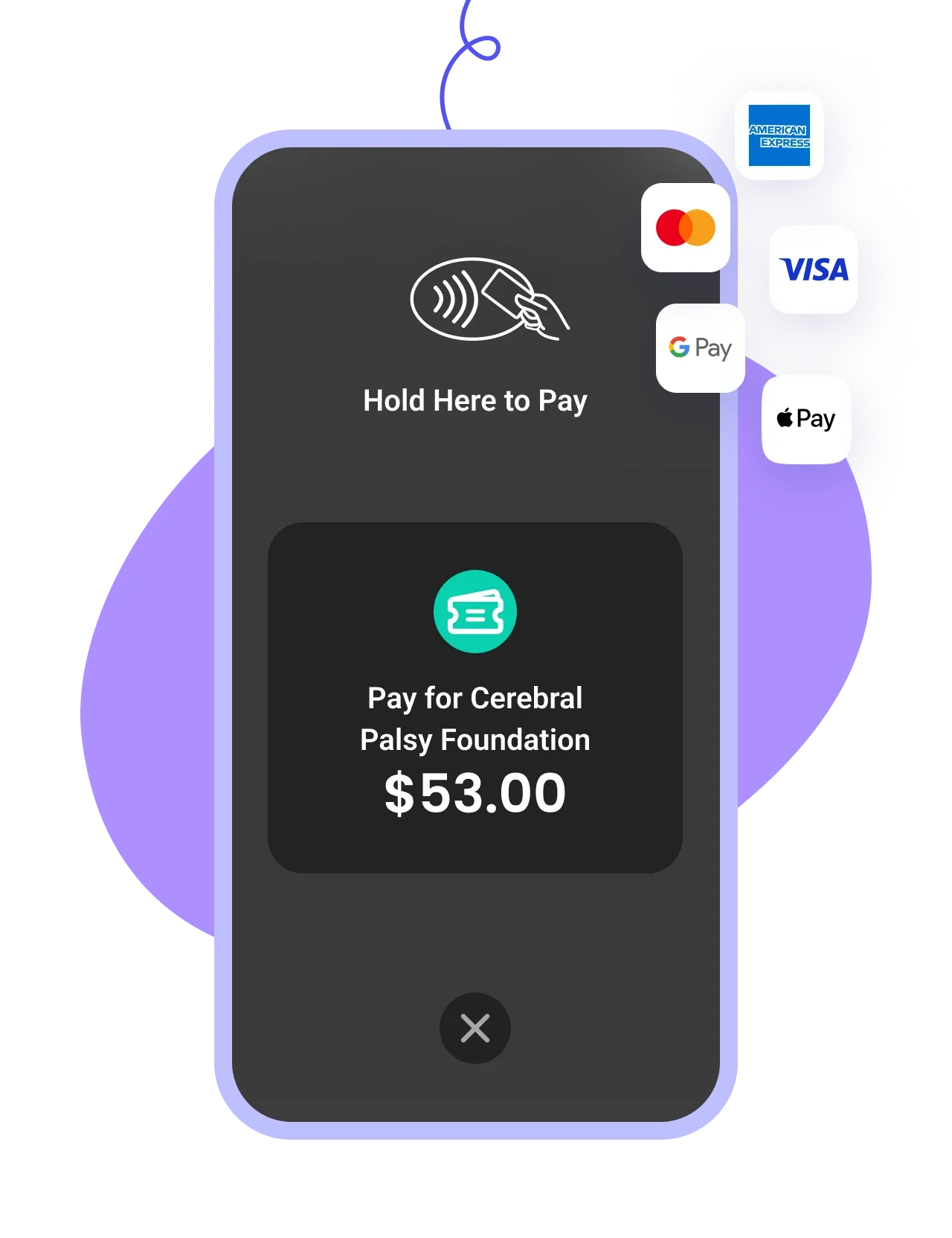
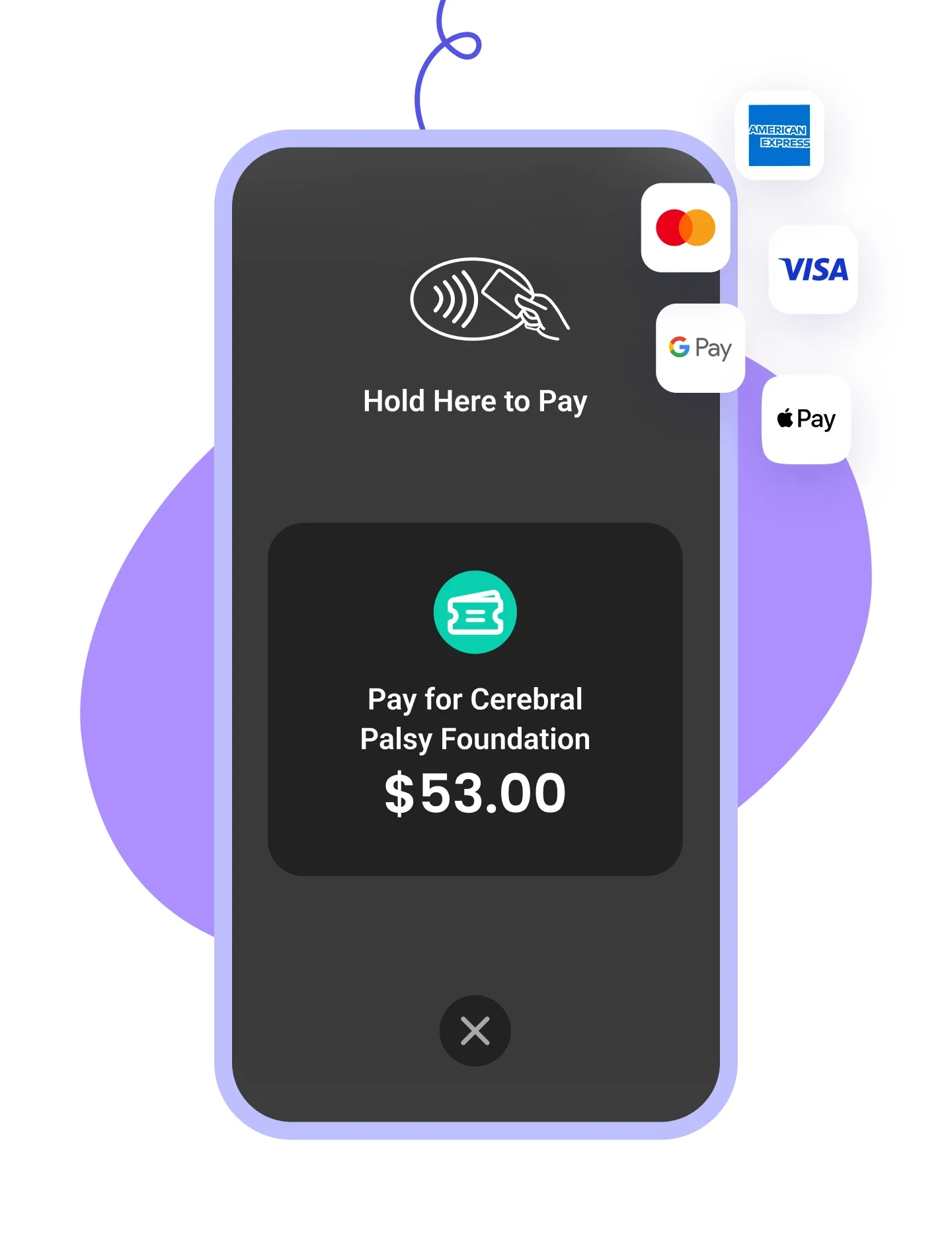
The store you built online is also your table at the game. Print a QR code and let buyers pay from their own phone, which captures everything the online checkout does, including the size they picked. Or take a card in person with Tap to Pay using the phone in your pocket, with no reader and no dongle to buy. Tap to Pay is quicker in a queue, but it records the payment without the size, so that part you'll be writing down yourself. Worth deciding which one you're using before the event rather than during it.
Apparel is the most common answer, and branded t-shirts, hoodies, tote bags and caps all work the same way: one item with an image and a price, with size or color options underneath.
Plenty of organizations sell beyond merch too, from baked goods and plants at a spring sale to cookbooks and event extras, and you can sell digital downloads like a printable or a guide.
Zeffy doesn't publish a restricted-items list, so the real question is usually what your supporters will buy rather than what the platform permits.
Zeffy sells, you supply. There's no print-on-demand built in, so your items come from your own printer or supplier, and someone on your team holds them until they go out. The way most organizations avoid a garage full of unsold mediums is to run the store as a pre-order window: open it for two weeks, let the sizes come in, then place one print run against real orders. Set a maximum quantity per item if you want a hard cap, and close the store when the window ends.


.webp)