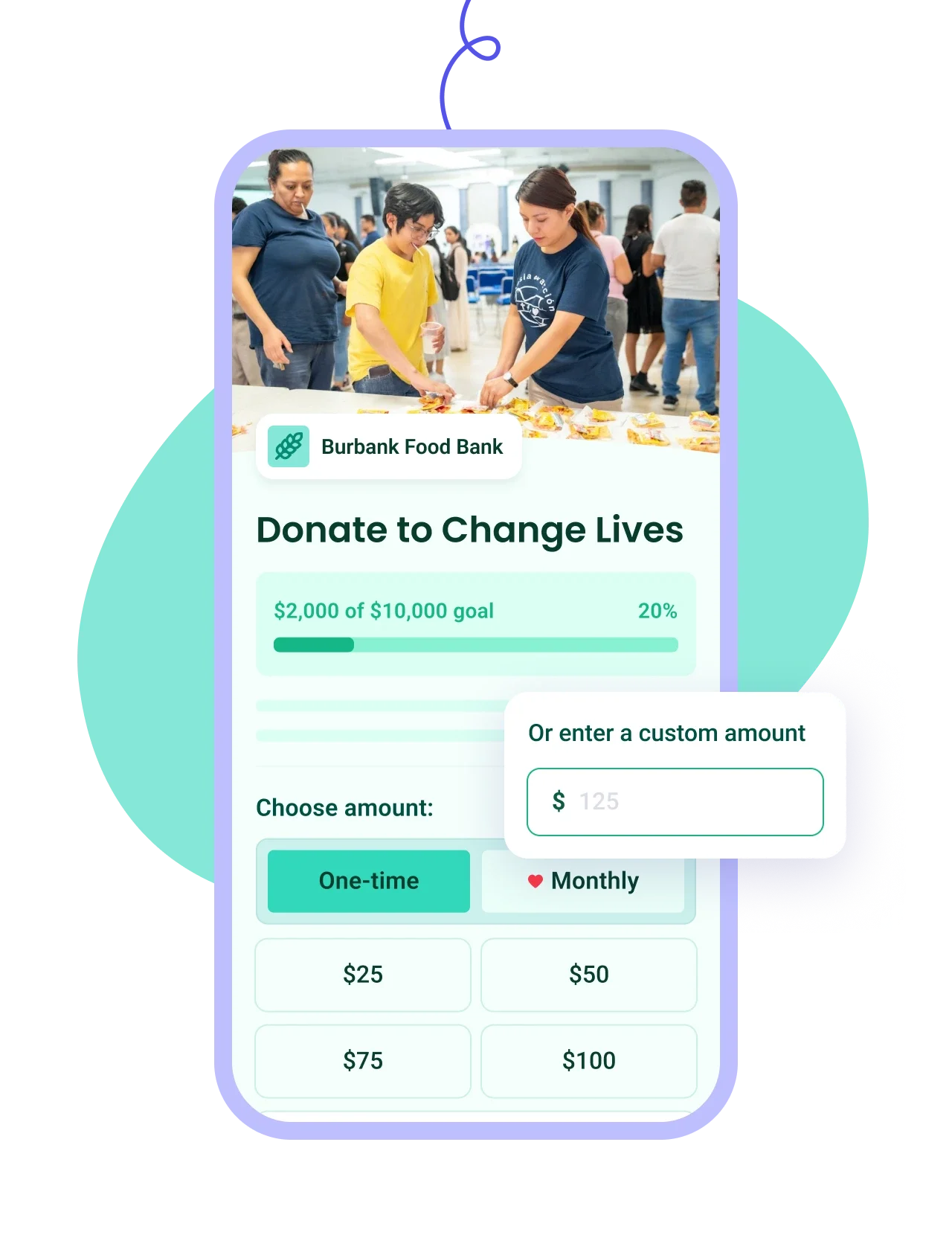
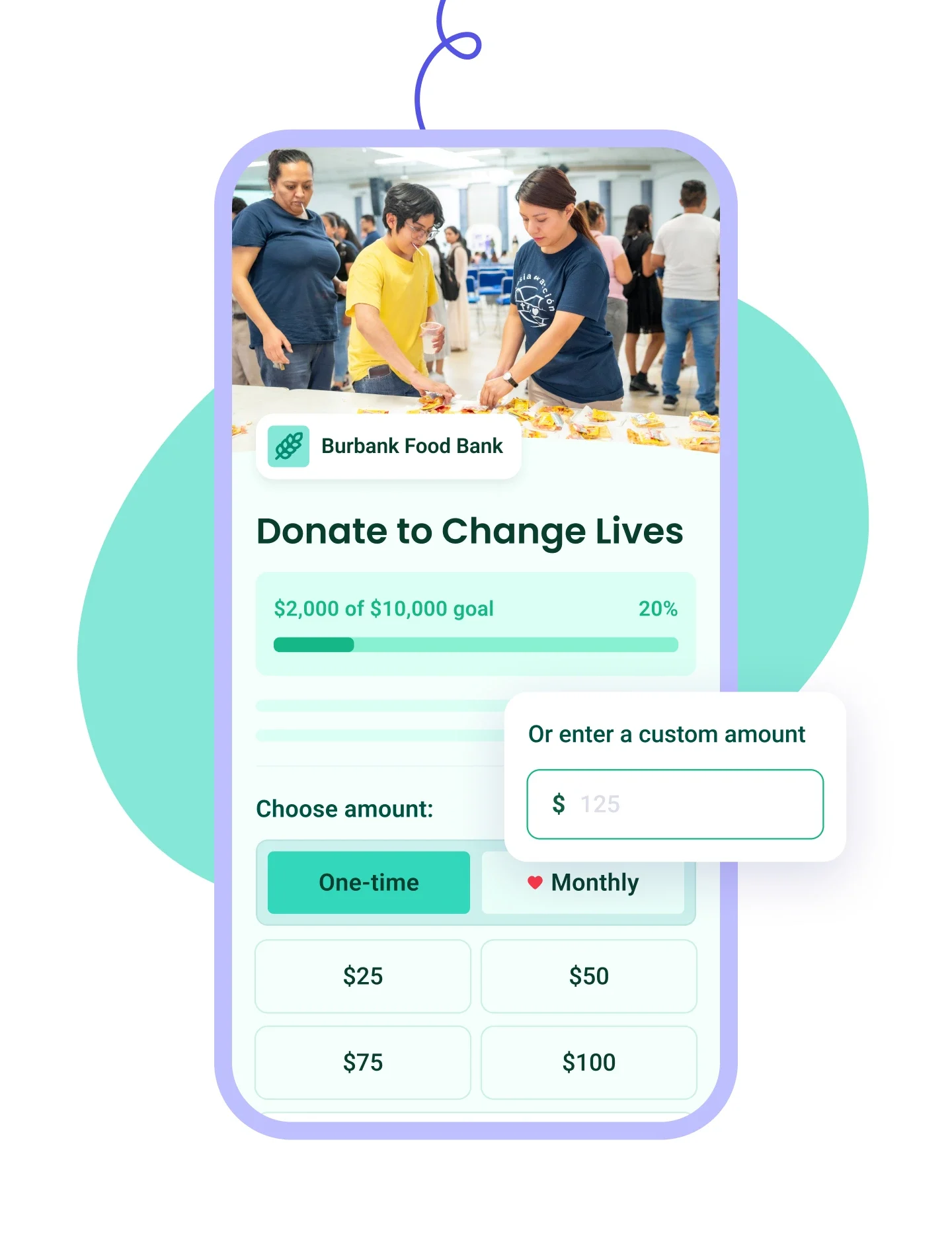
Personnalisez votre formulaire à l'image de votre organisation et offrez des options de don ponctuel ou récurrent.

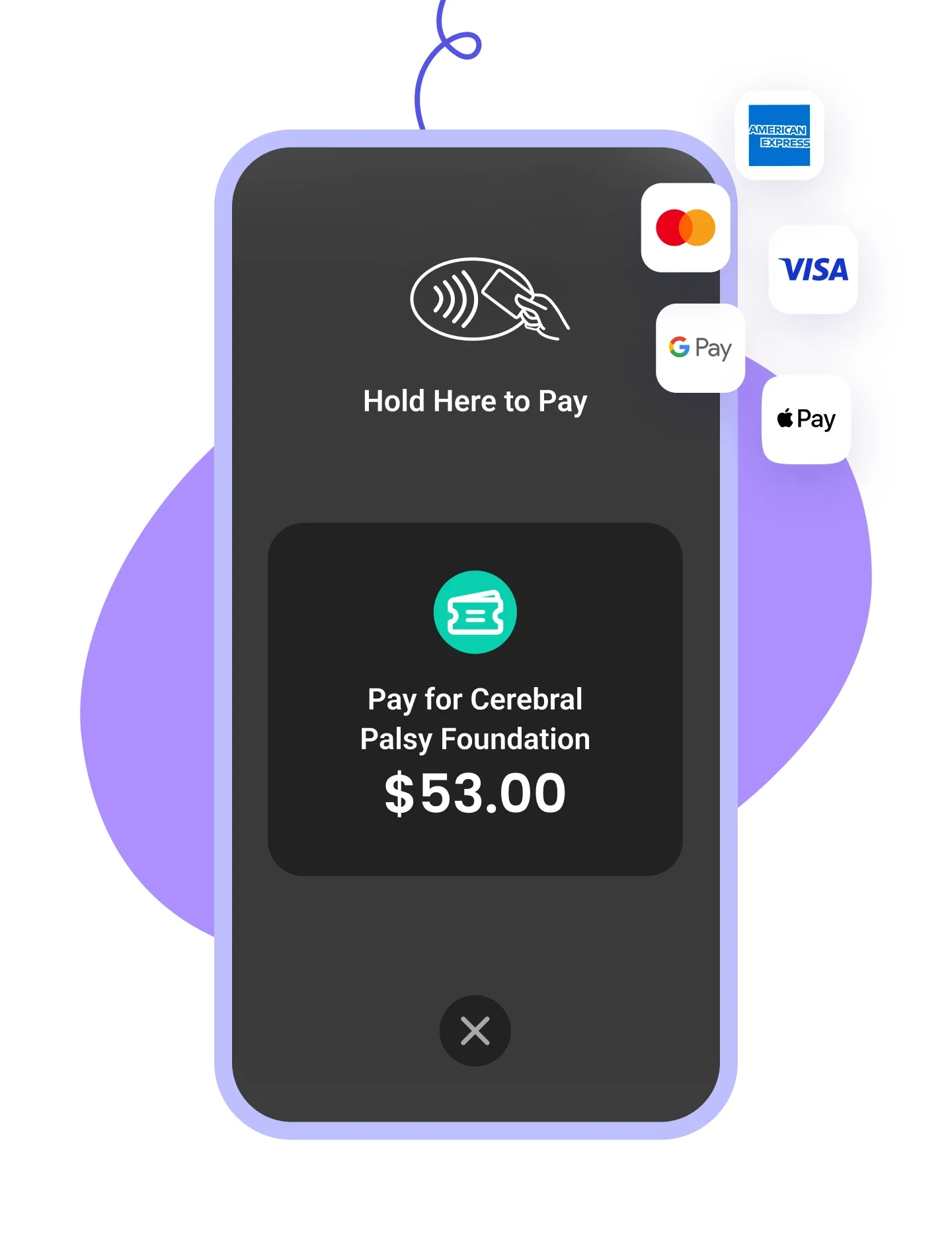
Acceptez tous les types de paiement, y compris les cartes de crédit, Apple Pay, Google Pay et les virements bancaires.

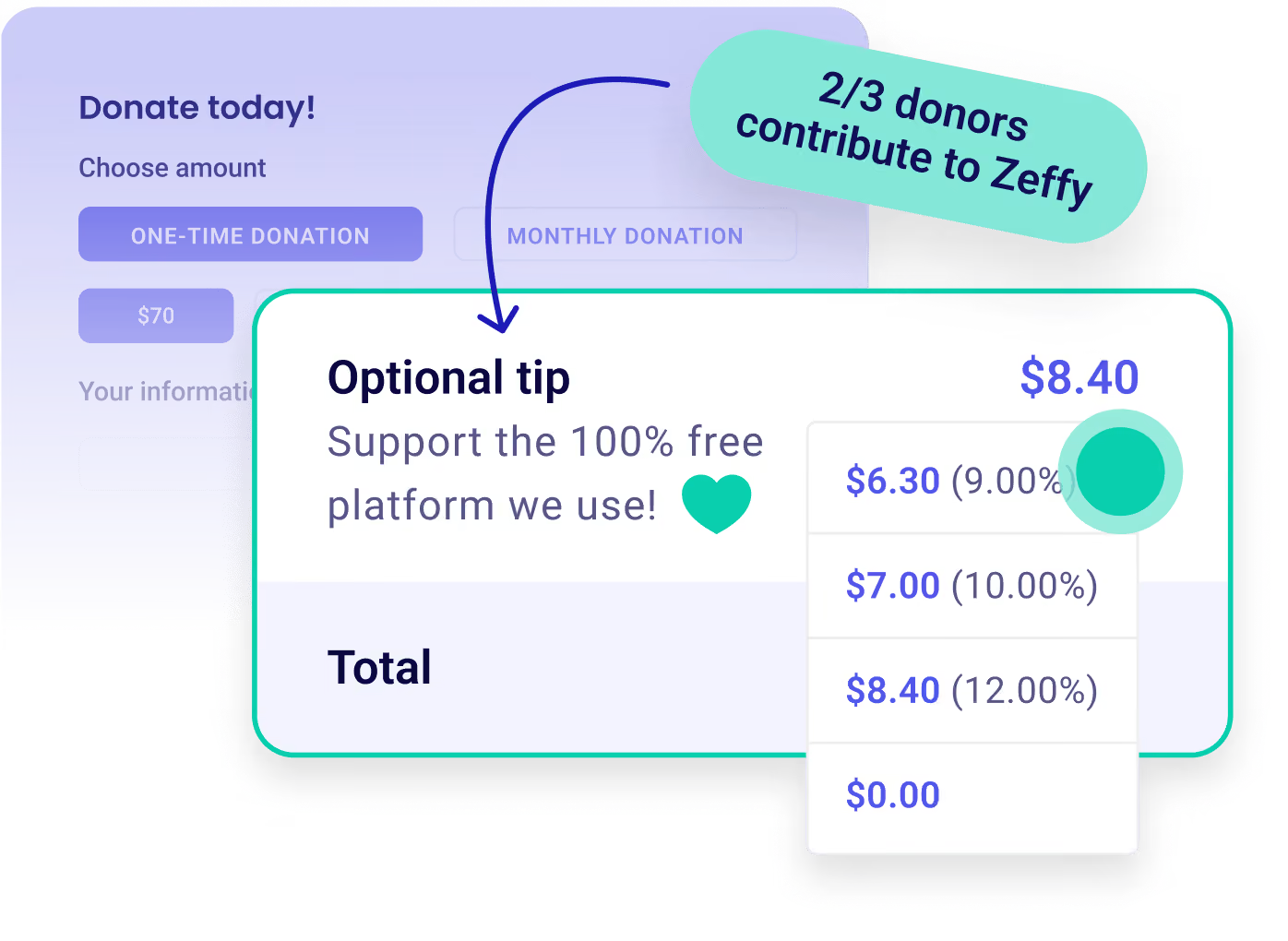
Gardez 100 % des dons pour votre mission, sans aucuns frais. Nous couvrons même les frais de transaction et de carte de crédit.




















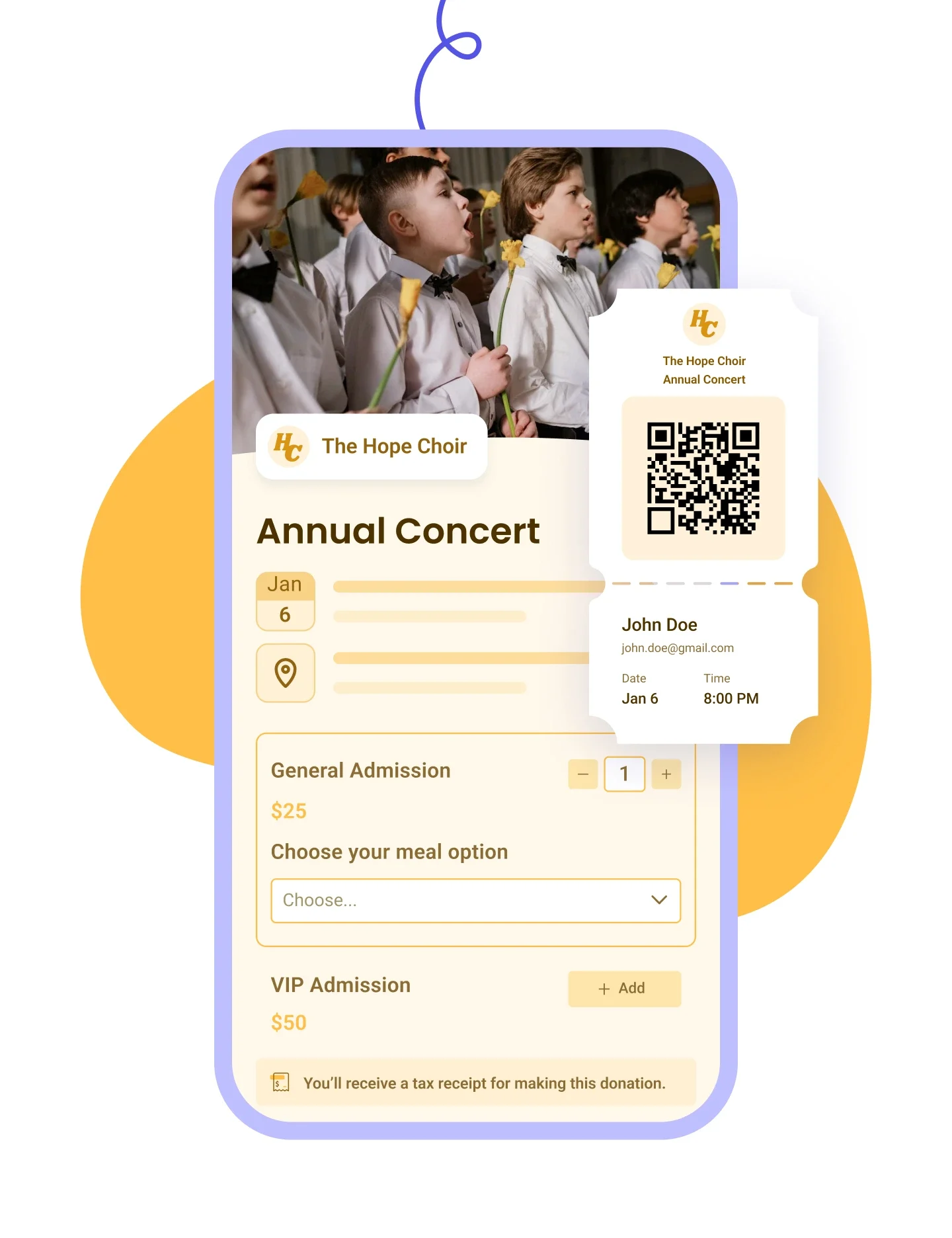


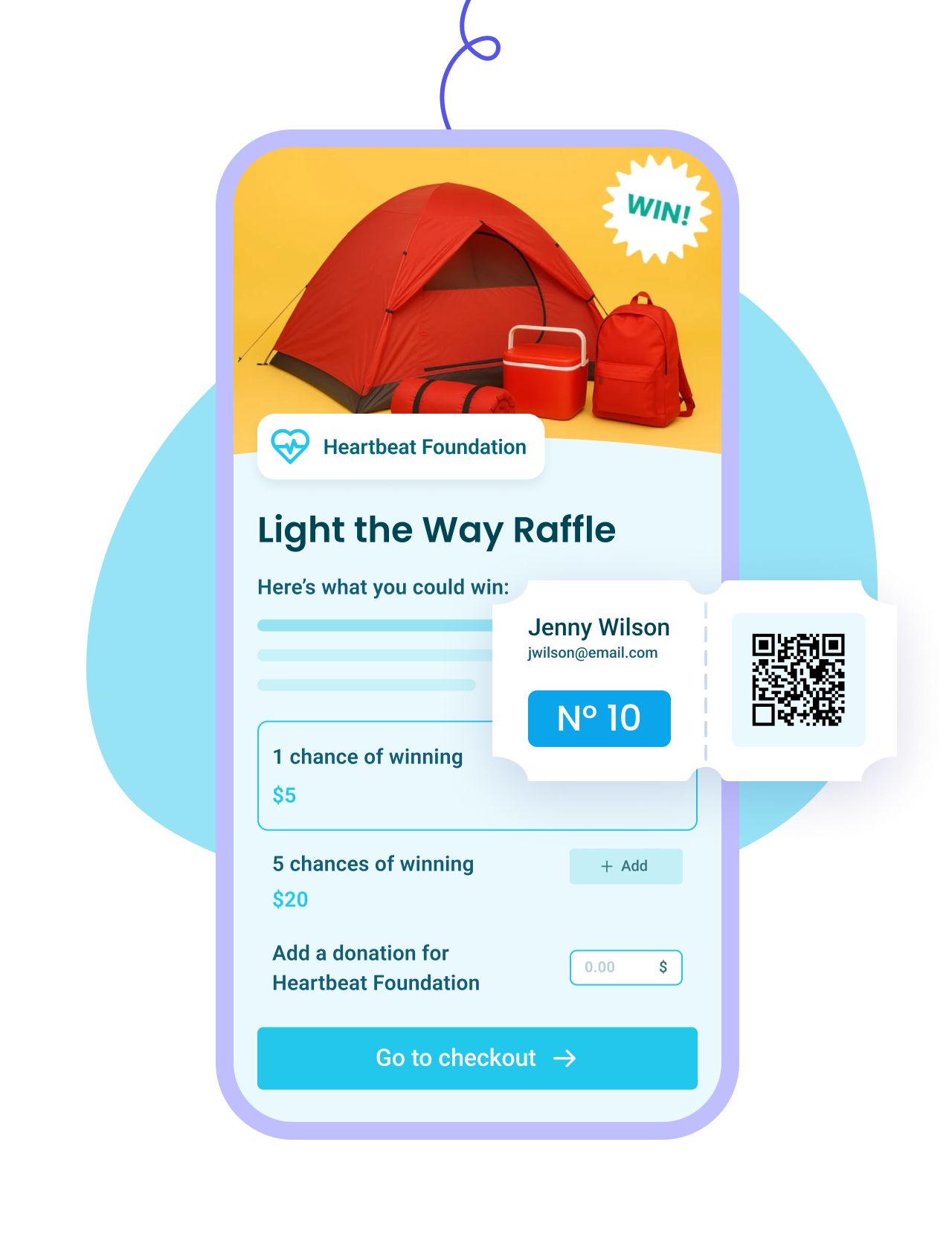
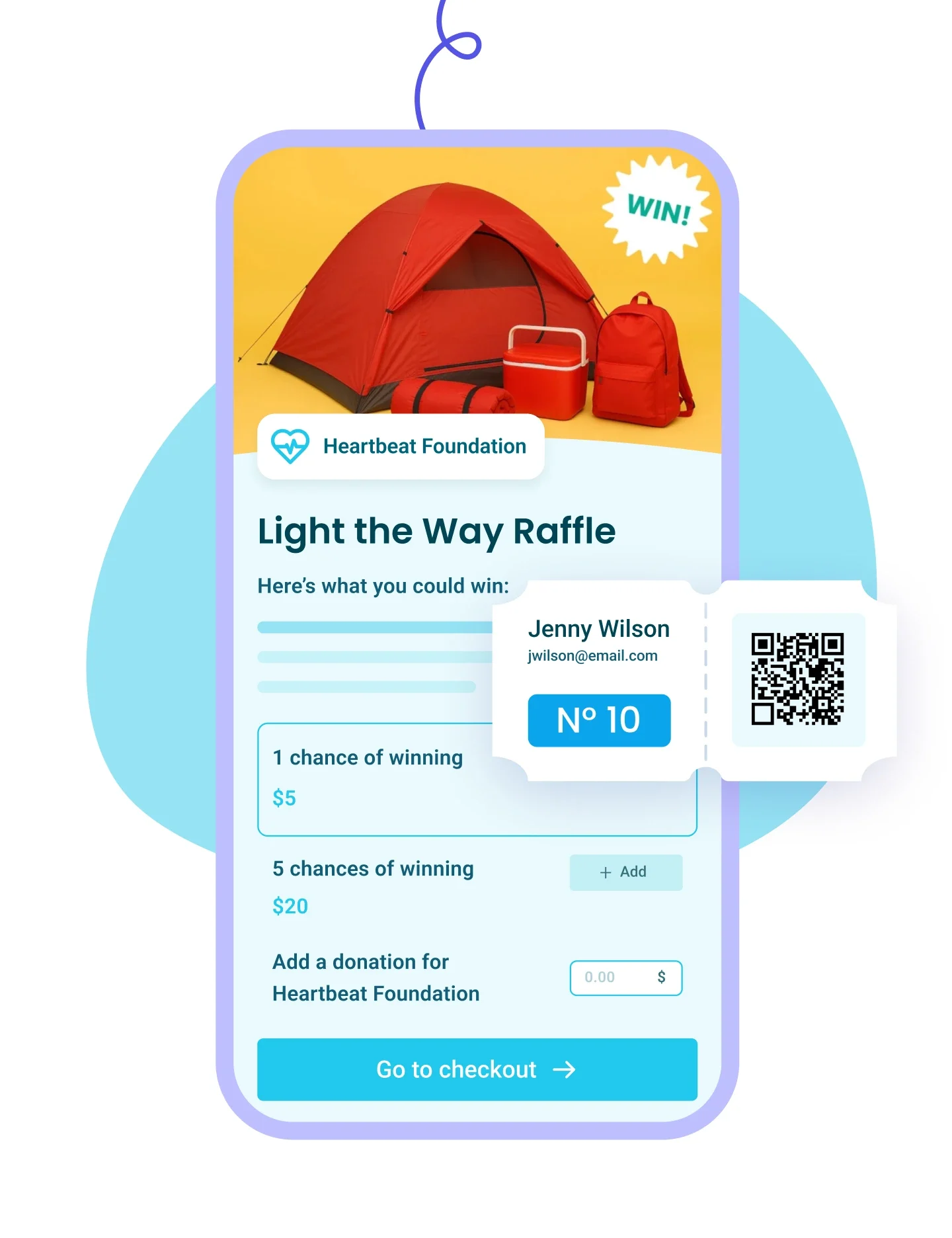


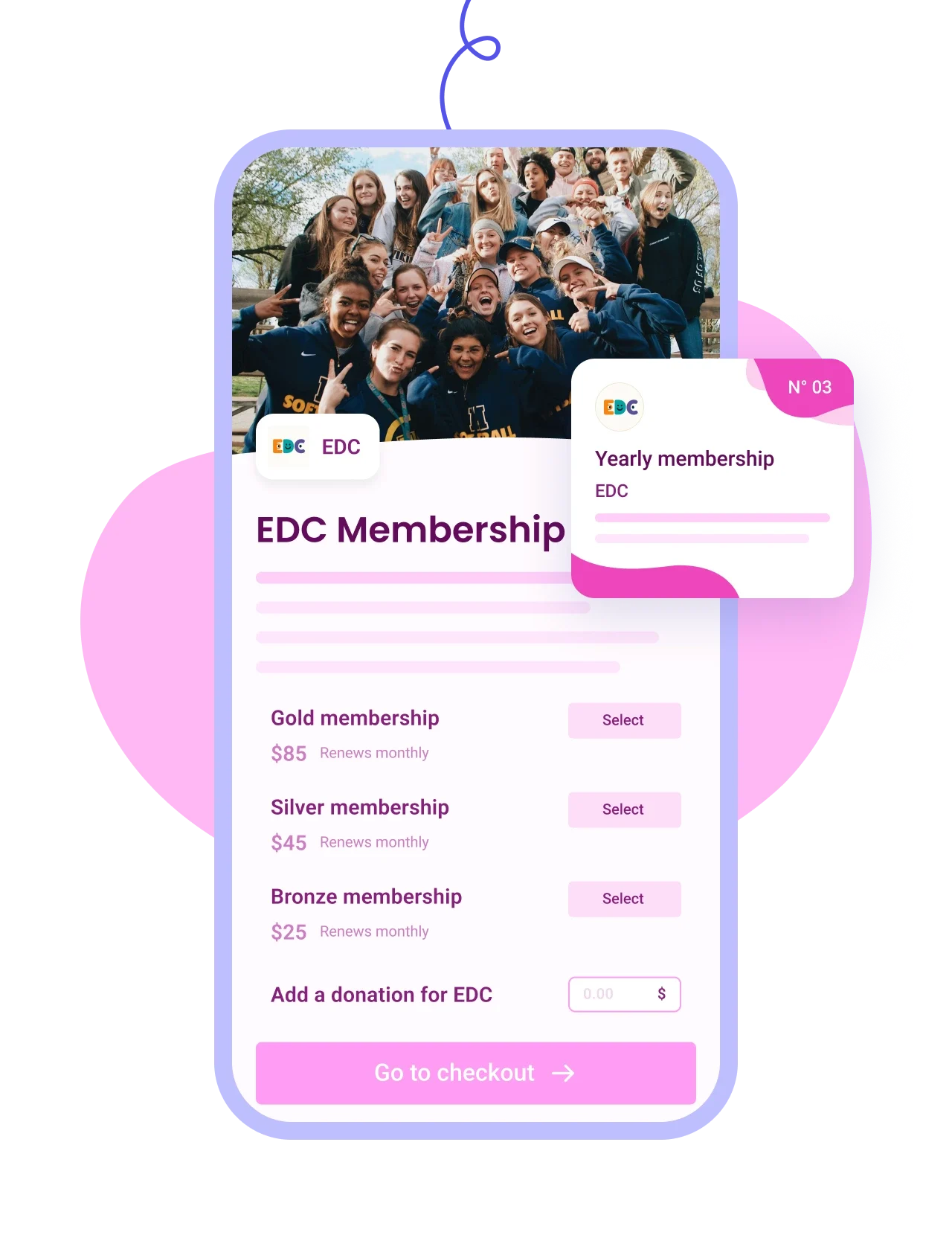
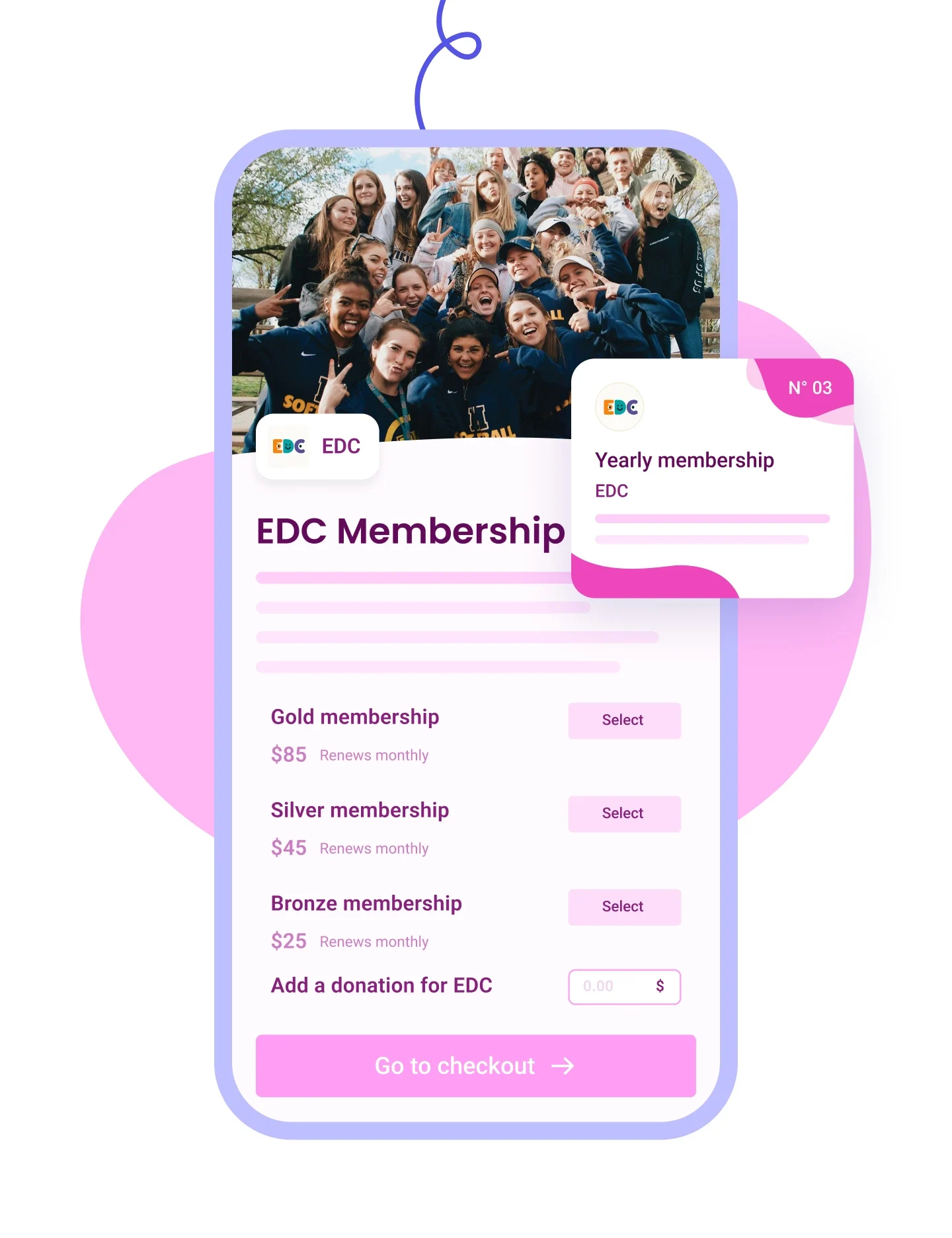


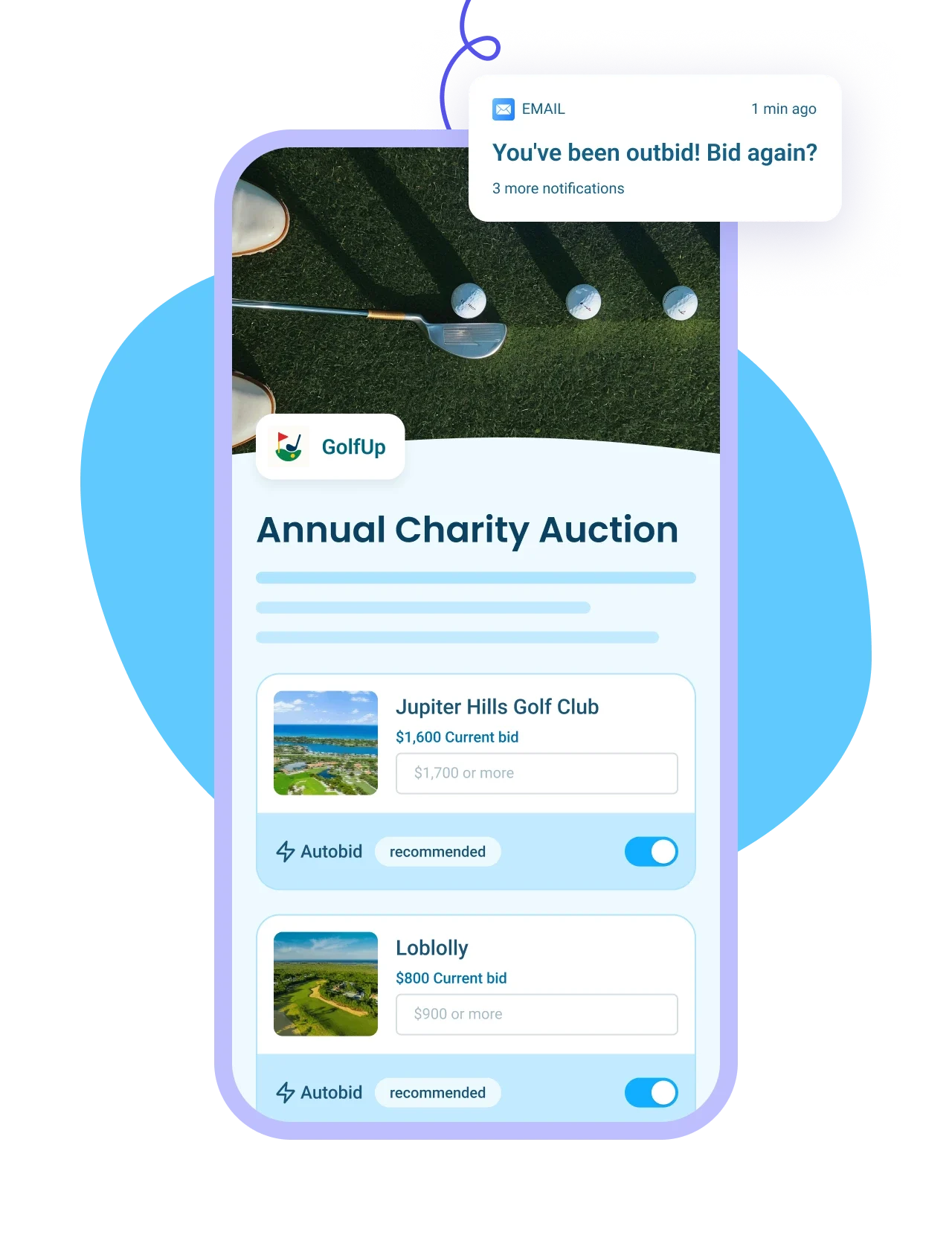
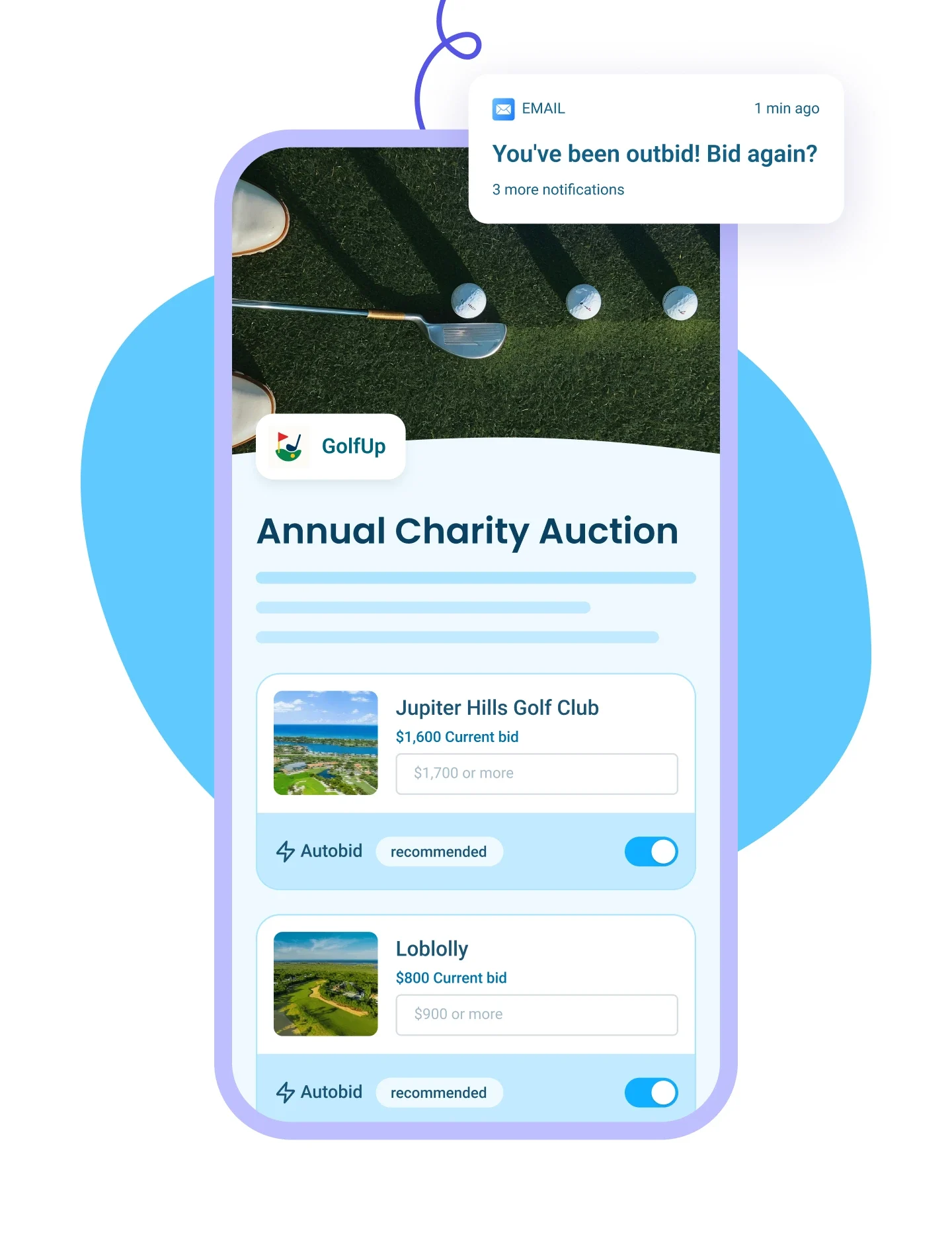


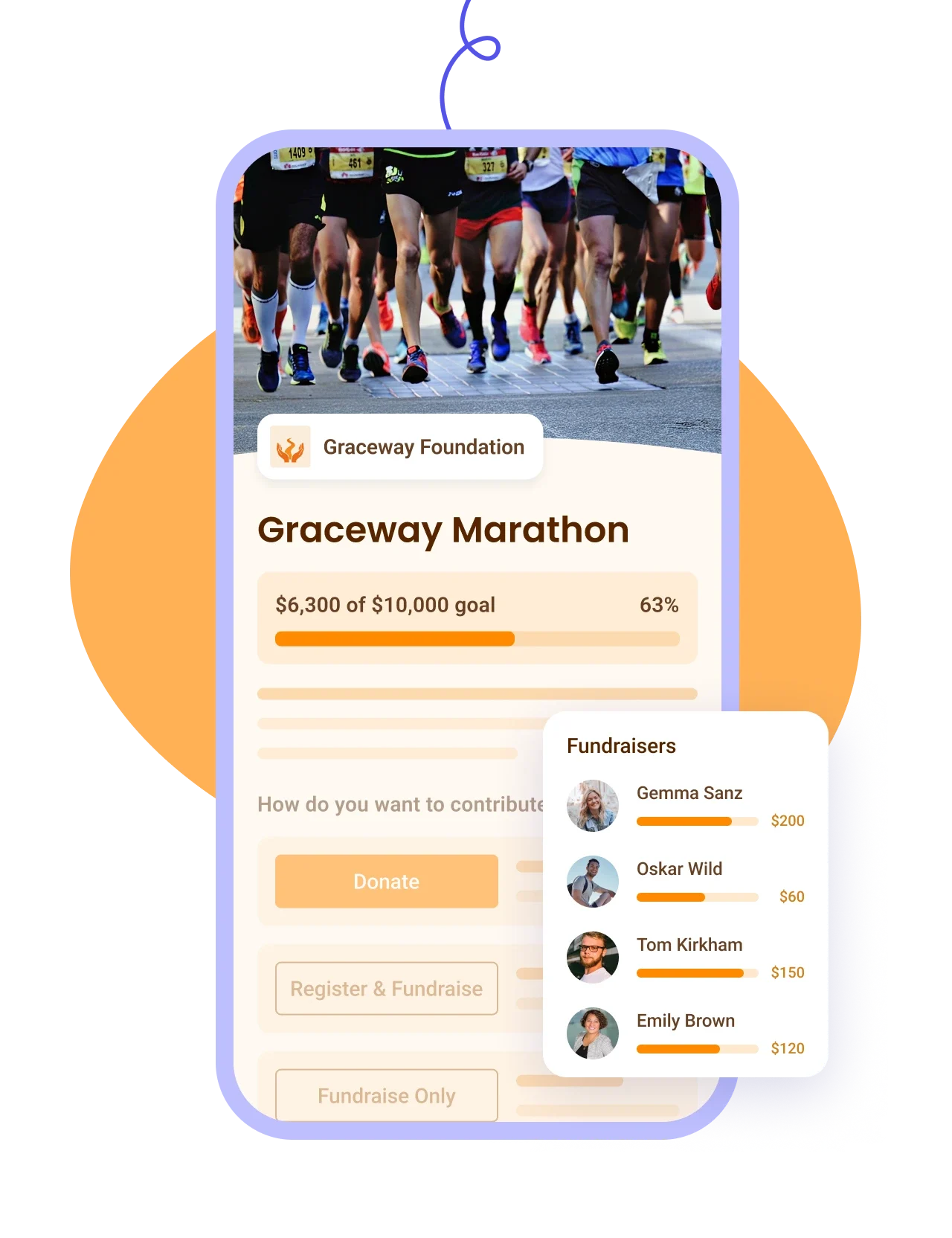
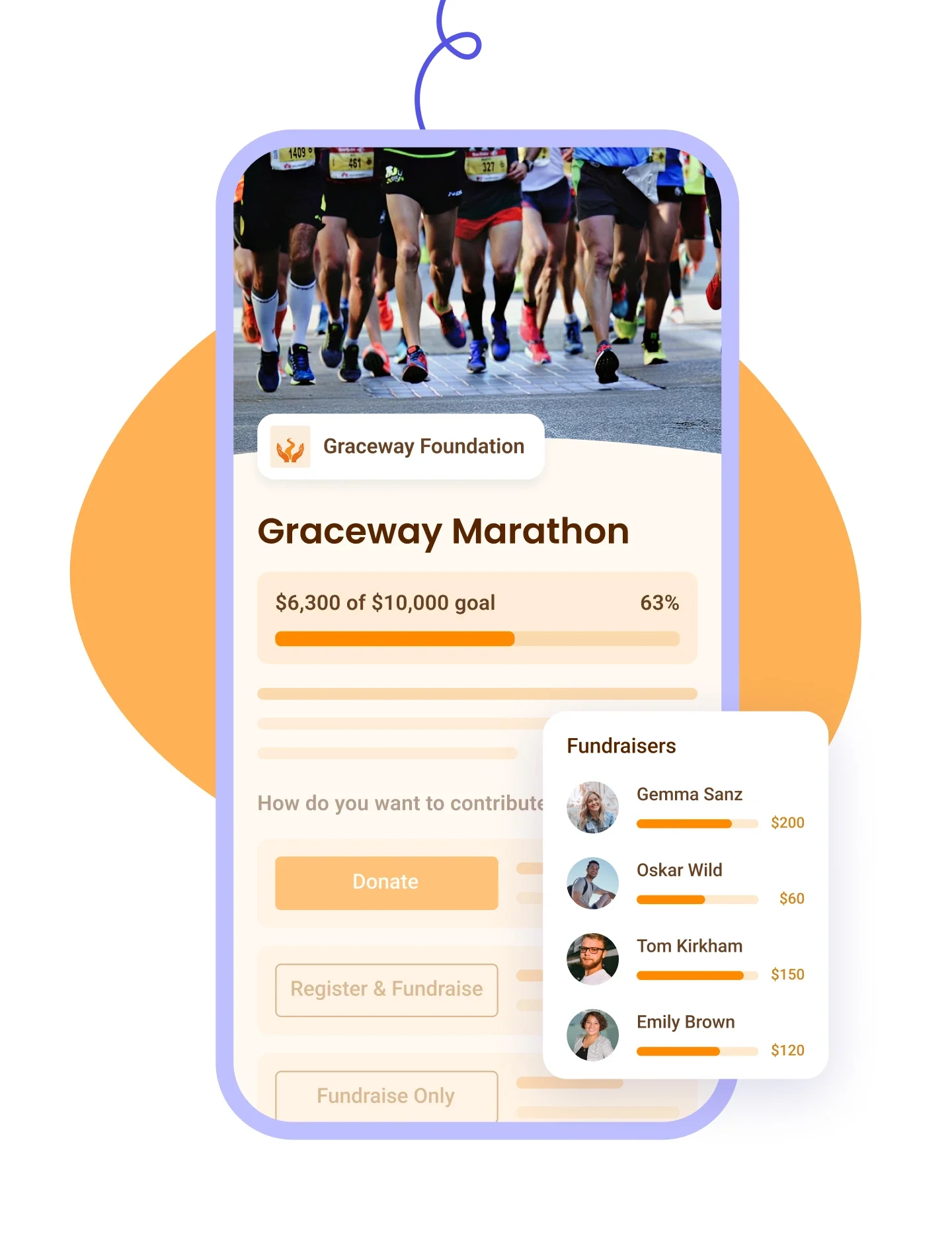








Un don de 50 $ arrive comme 50 $ dans votre compte bancaire. Il n'y a aucuns frais de plateforme, aucuns frais de transaction et aucuns frais de carte, et Zeffy absorbe le coût de la carte de crédit plutôt que de vous le refiler. Ce qui finance Zeffy, c'est une contribution que votre donateur peut ajouter au moment de payer, affichée sur sa propre ligne, avec un montant qu'il est libre de réduire ou de mettre à zéro. Cette partie-là, vous n'avez pas à nous croire sur parole : donnez 50 $ à votre propre formulaire et 50 $ se retrouvent dans votre compte. Là où une plateforme prélève plutôt un pourcentage, celui-ci est retiré d'entrée de jeu, avant même que l'argent vous parvienne.
« Avec Zeffy, nous recevons 100 % de chaque don, ce qui change énormément notre capacité à financer nos programmes et à soutenir les personnes en situation de crise. »
Kim B., The Brandon Caserta Foundation (G2)
Les deux fonctionnent, et vous pouvez changer d'idée plus tard. Chaque formulaire que vous créez vient avec sa propre page hébergée et un code QR, vous pouvez donc commencer avec un lien et rien d'autre. Pour l'intégrer à un site que vous avez déjà, ajoutez un bouton de don qui ouvre votre formulaire, ou intégrez le formulaire directement dans la page. WordPress et Wix ont des extensions Zeffy dédiées, soit le module WordPress et l'application Zeffy dans le Wix App Market, donc ni l'un ni l'autre n'exige de code. Squarespace, Webflow, GoDaddy, Weebly et Shopify utilisent leur propre bloc de code personnalisé pour recevoir l'intégration. Une chose à savoir avant de choisir : un formulaire intégré n'affiche que les champs de don, votre description, vos images et votre logo restent donc sur la page hébergée.
Et si vous n'avez pas de site web du tout, votre page d'organisme Zeffy peut devenir l'endroit où diriger les gens. Chaque donateur apparaît comme une seule fiche, peu importe le chemin qu'il a emprunté.
Oui, et un seul formulaire de don suffit souvent. Chaque formulaire vient avec sa propre page hébergée et un code QR, vous pouvez donc partager le lien dès aujourd'hui et amasser des fonds sans site web derrière. Quand vous voulez un seul endroit qui rassemble tout, Zeffy vous donne aussi une page d'organisme, un lien unique comme zeffy.com/votreorganisme qui réunit vos formulaires de don, vos événements, vos adhésions, votre boutique et vos campagnes, avec votre logo, vos couleurs et votre mission. Beaucoup d'organismes s'en servent au lieu de payer pour un site web, et vous pourrez quand même y faire un lien depuis un site plus tard si vous en créez un. Elle est déjà dans votre tableau de bord, en attente de publication, et elle devient visible publiquement une fois que vous avez reçu sept paiements, ou plus tôt si vous demandez au soutien de l'activer.
Oui, et c'est vous qui choisissez le rythme. Vos donateurs peuvent donner chaque mois, chaque trimestre ou chaque année, en plus de l'option de don unique, et vous décidez lesquelles de ces fréquences apparaissent sur votre formulaire et laquelle est présélectionnée. Chaque fréquence peut porter ses propres montants suggérés. Les deux côtés peuvent modifier les choses plus tard : votre donateur depuis son propre portail ou son courriel de confirmation, et vous depuis votre tableau de bord, y compris le montant, la date de prélèvement, la carte enregistrée, ou l'arrêt complet du don. Si votre organisme émet des reçus, les donateurs mensuels reçoivent un seul reçu cumulatif à la fin de l'exercice financier, couvrant toute l'année plutôt que douze reçus distincts. Rien de tout cela n'entraîne de frais.
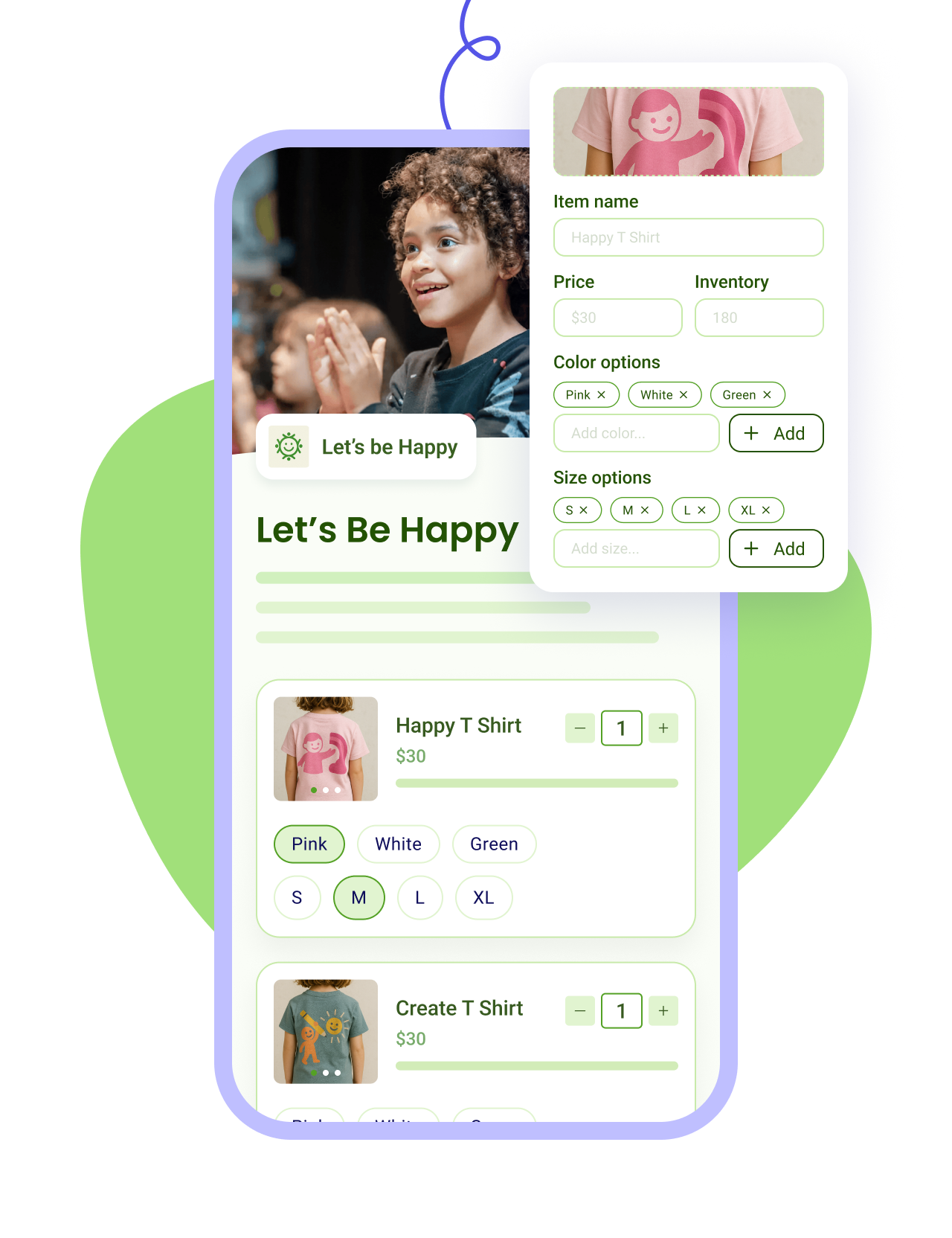
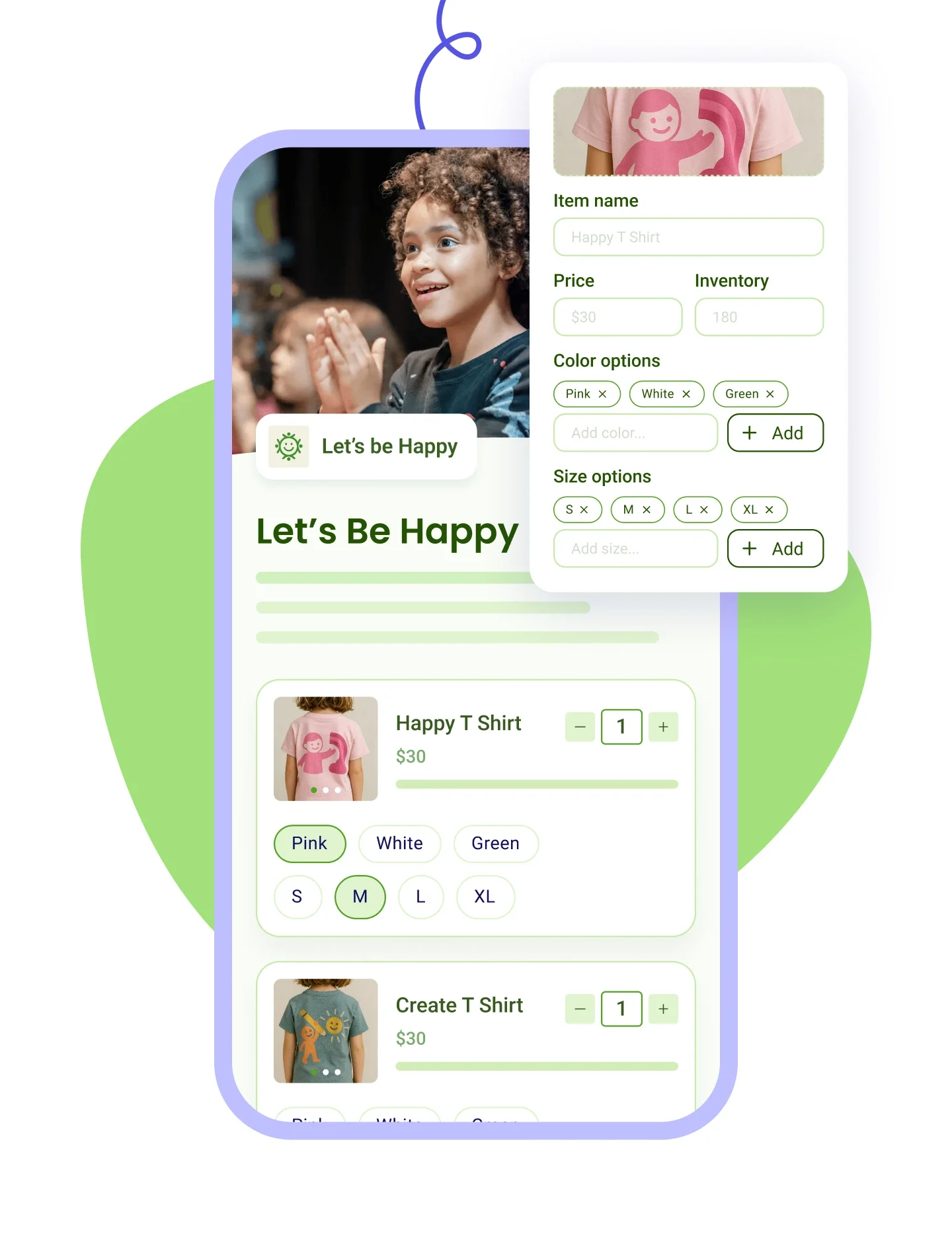
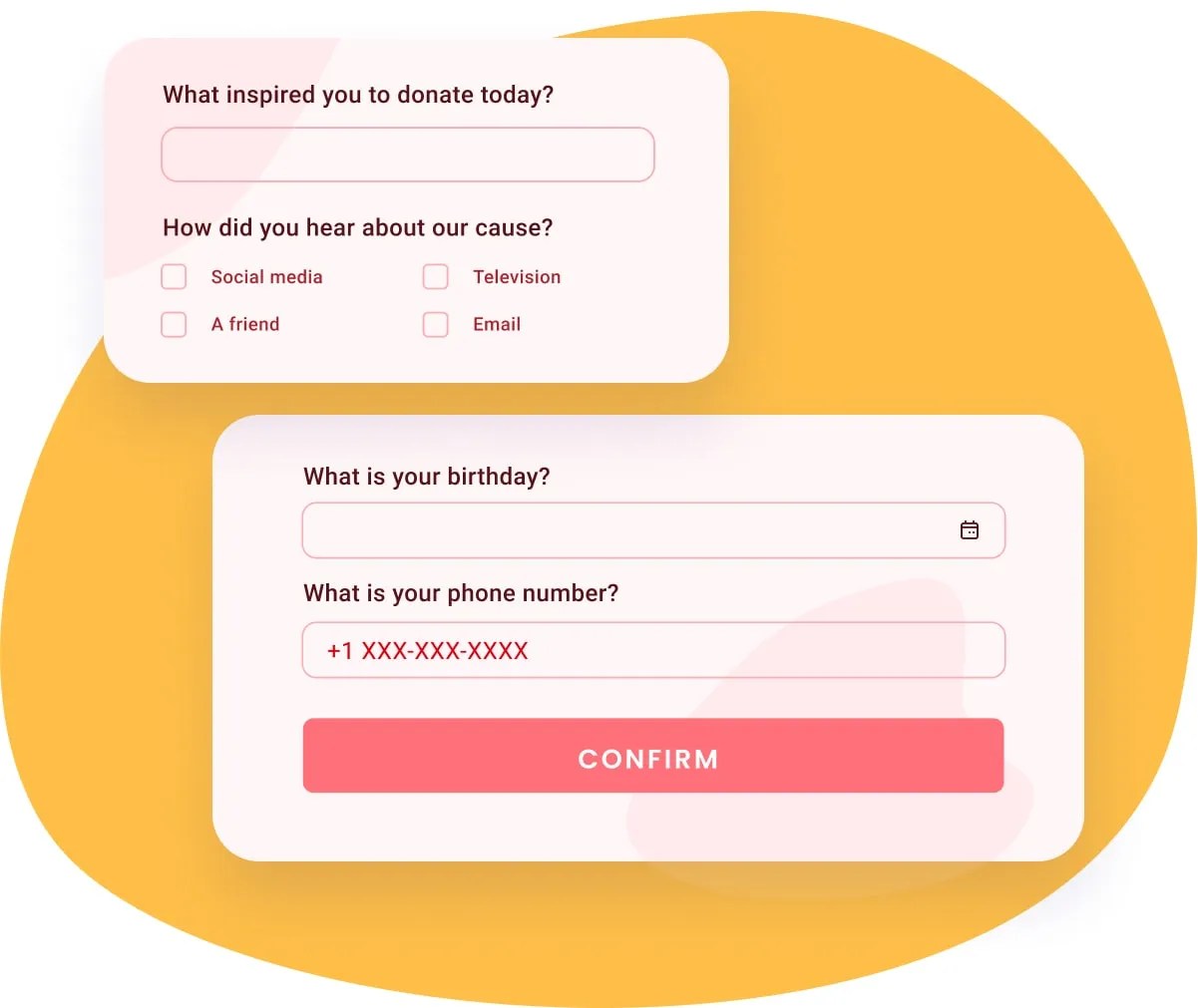
Oui, et plus loin que la plupart des gens l'imaginent. Ajoutez votre logo, une image bannière ou une vidéo YouTube, et un thème de couleurs en mode clair ou sombre, puis rédigez votre propre titre et votre propre description à la place du modèle de Zeffy. Vous pouvez définir jusqu'à quatre montants suggérés et, à côté de chacun, une ligne qui explique ce que ce montant permet concrètement. Ajoutez vos propres questions, rédigez le courriel de remerciement que vos donateurs reçoivent, et permettez aux gens de donner en l'honneur ou à la mémoire de quelqu'un. Vous pouvez aussi offrir le formulaire en anglais ou en espagnol.
Votre argent vous parvient sans que vous ayez à le demander. Chaque versement va directement au compte bancaire que vous avez relié, il n'y a donc rien à retirer et aucuns frais de versement. Le rythme hebdomadaire est la norme et arrive chaque lundi, ou vous pouvez passer au mensuel si cela convient mieux à votre comptabilité. Une fois votre organisme vérifié par notre équipe, les versements au jour suivant deviennent disponibles, et à partir de là vous pouvez envoyer votre solde à votre banque quand vous en avez besoin, ce qui compte quand une facture arrive à échéance avant le lundi suivant. Les nouveaux paiements passent d'abord une vérification antifraude, généralement en un à trois jours ouvrables.
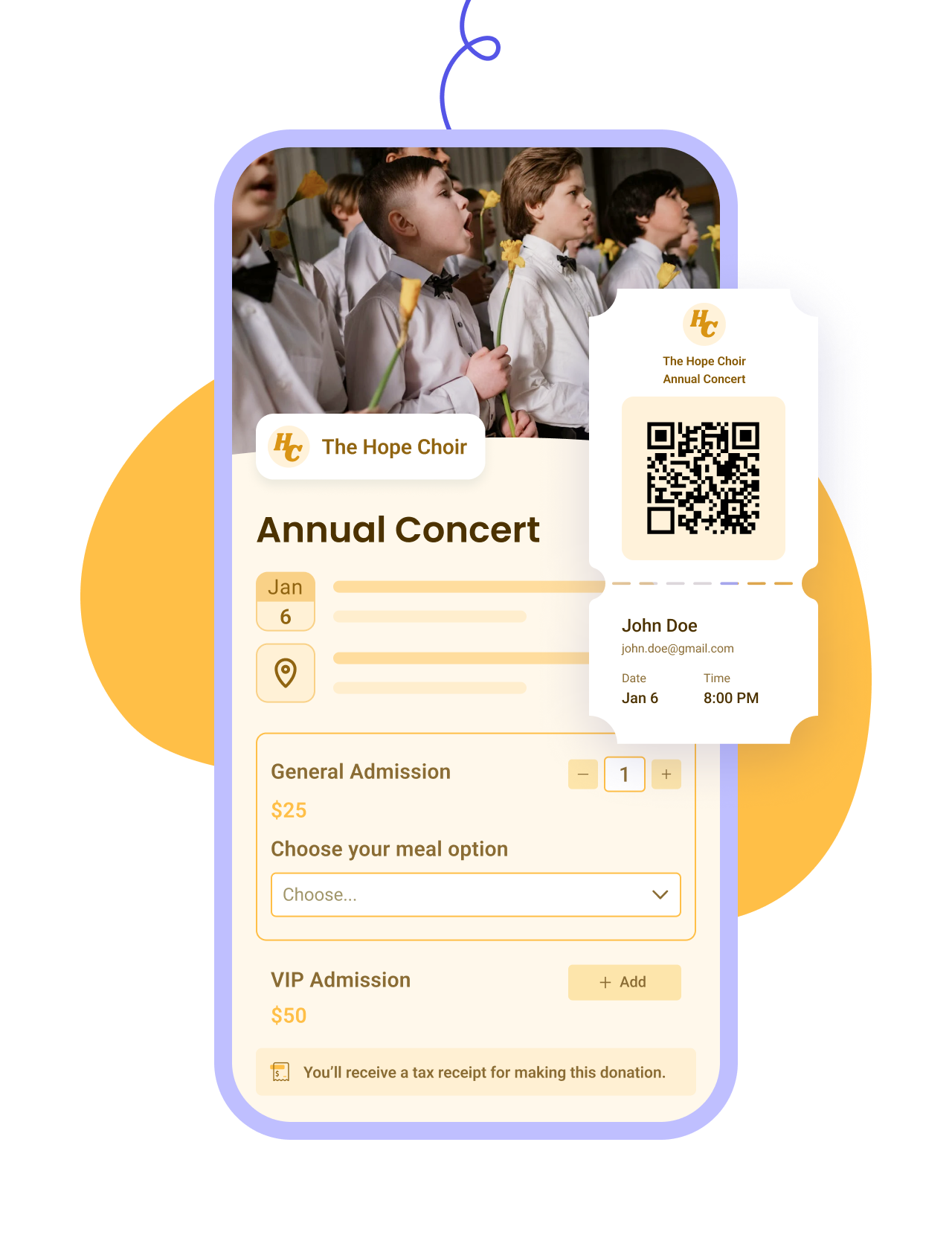
Oui, une fois les reçus fiscaux automatiques activés. À partir de là, Zeffy en envoie un dès qu'un don arrive, joint au courriel de confirmation du donateur, avec le numéro d'enregistrement de votre organisme et les mentions exigées pour un don de bienfaisance.
Ensuite, chaque mois de janvier, Zeffy renvoie leurs reçus à tous les donateurs à qui vous en avez émis un, avec un lien vers leur bilan de dons : le total de l'année, tous les organismes qu'ils ont soutenus et l'ensemble de leurs reçus au même endroit. Ils peuvent ouvrir ce bilan à tout moment depuis leur compte de donateur, et c'est précisément ce qui garde le « pouvez-vous me renvoyer mon reçu ? » hors de votre boîte de réception pendant la saison fiscale.
Les donateurs mensuels reçoivent un seul reçu cumulatif pour l'année, à la fin de l'exercice financier, plutôt que douze reçus distincts.
Les cas délicats sont couverts aussi : la portion déductible quand un billet d'événement vaut plus que ce que l'invité reçoit, et les dons en nature que vous avez consignés vous-même.
À noter dans votre calendrier : cet envoi de janvier ne contient que ce qui existe à la mi-janvier, les corrections et les dons hors ligne doivent donc être ajoutés avant. Voyez les reçus de don pour le détail.
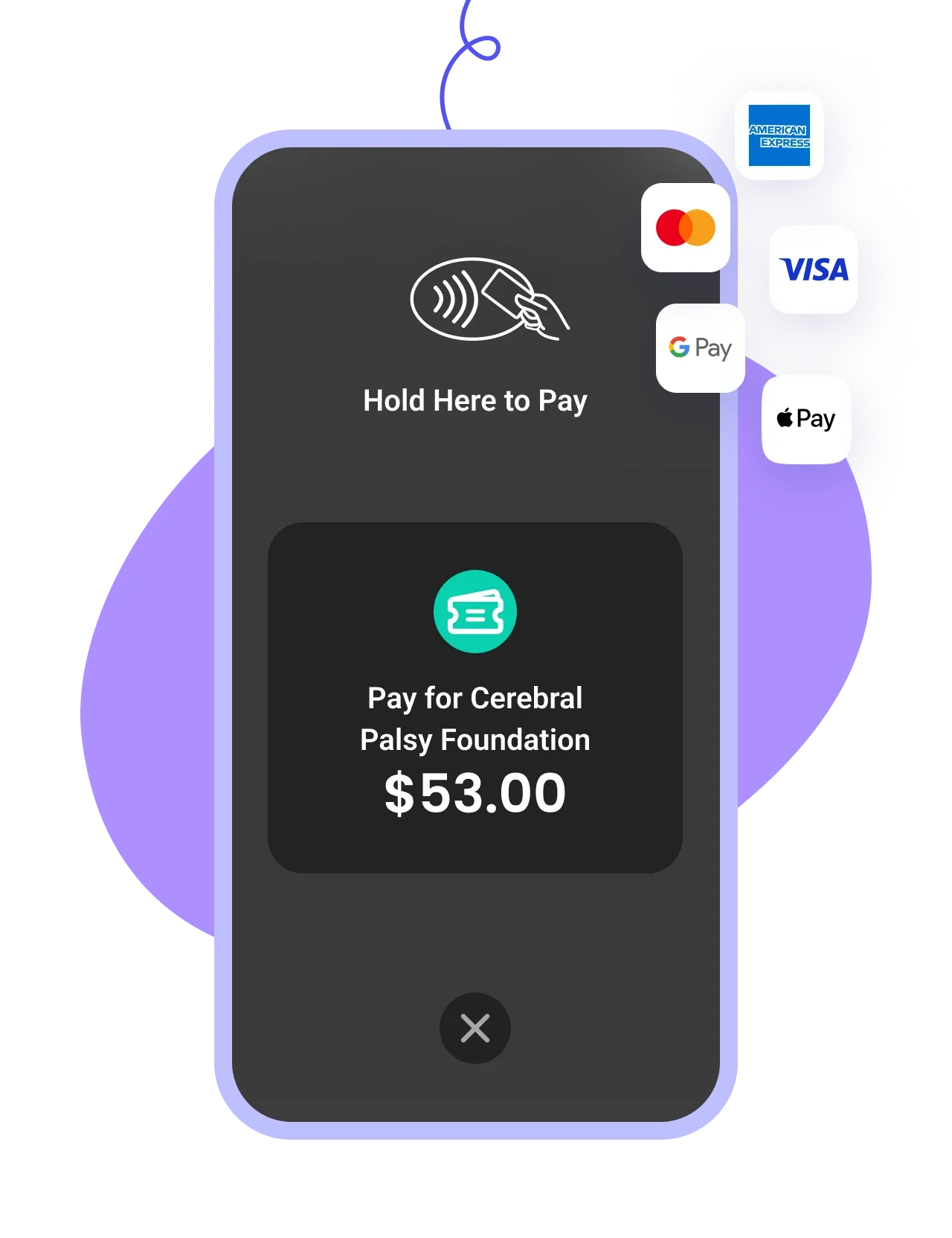
Oui. Votre formulaire accepte les cartes de crédit et de débit, Apple Pay, Google Pay et les virements bancaires, vos donateurs donnent donc avec ce qui est déjà configuré sur leur téléphone. Cela compte plus qu'il n'y paraît. Un donateur qui doit se lever pour aller chercher son portefeuille est un donateur qui pourrait ne pas revenir terminer son don.
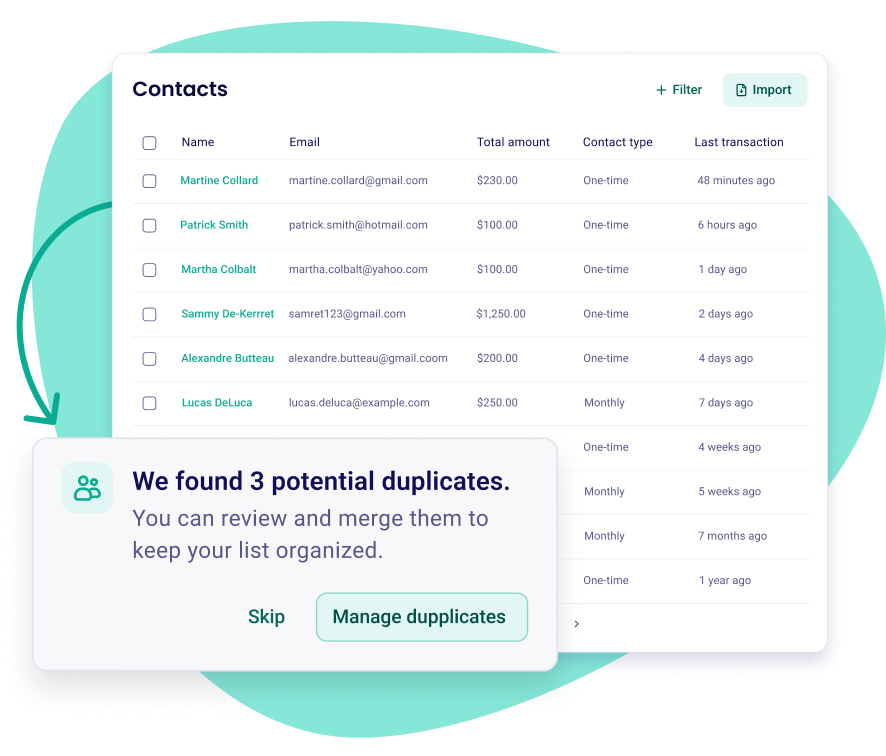
Elle est incluse, et elle se remplit toute seule. Chaque don, chaque billet et chaque inscription crée ou met à jour la fiche de la personne, votre liste de contacts est donc un sous-produit de votre collecte plutôt qu'une chose à entretenir à côté.
Chaque fiche contient l'historique de dons de la personne, les événements auxquels elle est venue et si elle a ouvert votre dernier courriel, en plus des notes que vous ajoutez. De là, vous pouvez filtrer par montant, par date ou par campagne, enregistrer le résultat comme liste et lui écrire. Les doublons peuvent être fusionnés quand la même personne apparaît deux fois. Les dons hors ligne que vous consignez apparaissent au même endroit. Pour le portrait complet, voyez le CRM et la gestion des donateurs.
Non. Selon les règles d'admissibilité de Zeffy, vous n'avez pas besoin d'être déjà un organisme de bienfaisance enregistré, et tous les types d'organismes sans but lucratif constitués sont les bienvenus.
Si votre dossier est encore à l'étude auprès de l'ARC, choisissez « Autre organisme sans but lucratif » au moment de vous inscrire, puis mettez l'information à jour dès que votre confirmation arrive, ce qui active du même coup les reçus fiscaux automatiques. Deux choses sont nécessaires dans tous les cas : un numéro d'entreprise et un compte bancaire au nom de votre organisme. Un groupe qui recueille de l'argent de façon informelle, sans numéro d'entreprise, n'est pas encore admissible.
Oui. Consignez-le sur la campagne et sur la fiche de cette personne, qu'il soit arrivé en argent comptant, par chèque, par virement bancaire ou en nature, pour que le total de votre campagne et son historique de dons restent tous les deux justes. Si votre organisme émet des reçus, elle en reçoit un comme n'importe quel donateur en ligne. C'est la différence entre un chèque qui est une ligne dans un chiffrier et un chèque qui fait partie de l'histoire d'une personne avec vous.
Utilisez un formulaire de don conçu pour les organismes à but non lucratif plutôt qu'un lien de paiement générique. Les deux déplacent de l'argent, mais un seul fait vivre un programme de collecte : un vrai formulaire émet le reçu fiscal, se souvient du donateur et lui permet de mettre en place un don récurrent qu'il gère lui-même. Une application de paiement vous laisse réconcilier un relevé bancaire à la main, et elle fond les ventes de billets, les commandites et les dons dans une seule ligne indifférenciée, alors que ce sont précisément les choses à garder séparées au moment de produire vos rapports.
Avec Zeffy, vous créez ce formulaire de don gratuitement, vous reliez votre compte bancaire et vous partagez le lien, et chaque don arrive entier parce que Zeffy couvre les frais de transaction et de carte. Pour la marche à suivre complète, y compris comment en faire la promotion et suivre ce qui fonctionne, notre guide pour recevoir des dons en ligne vous accompagne étape par étape.


.webp)